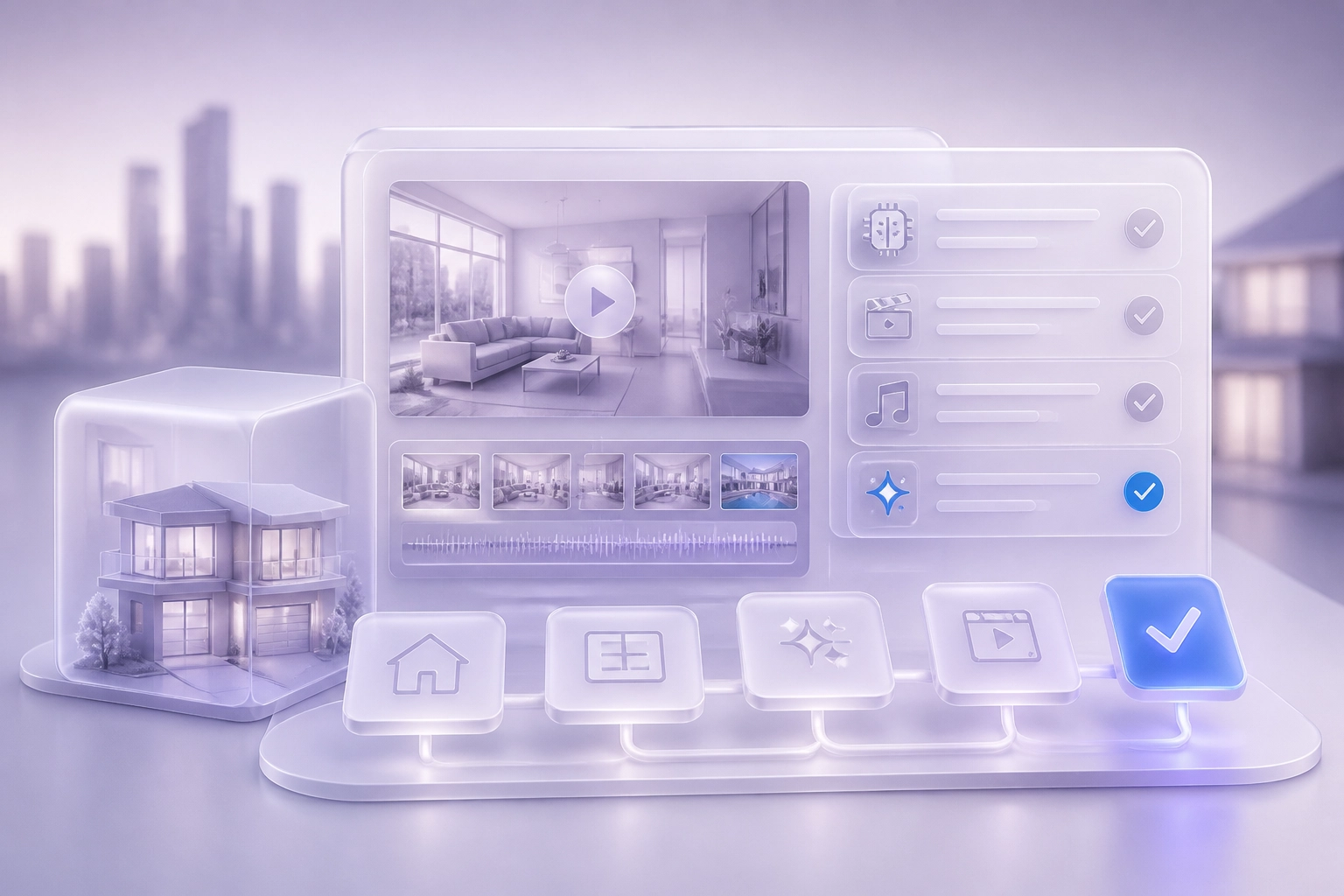
Your next listing video should not start with a tool. It should start with the property, the buyer, and the time you have to publish. Agents and brokers today face a crowded field of options for AI listing videos. Some promise a property video made from listing photos. Others offer a narrated developer clip or a twin presenter speaking directly to buyers in Arabic or English. The real question is not which option sounds best in a demo. It is which workflow fits how you actually work.
This post gives you a practical way to judge any AI listing video workflow against your own needs. We will walk through why the workflow matters more than the tool, how to decide which listing video you actually need, how to check language support against your buyers, how to set your approval control, and how much posting automation you want. We will also cover the permit and QR code question in Dubai. By the end, you will have a simple decision checklist you can score in ten minutes. No hype. Just clear steps to help you pick a workflow you will still use in month three.
Why the Workflow Matters More Than the Tool
Agents shopping for a listing video tool usually start with a feature list. The better first question is simpler: which workflow will you still be running in week three, when three new listings land and two viewings are booked?
Five questions settle most of it. What video do you need: a property video made from listing photos, a developer clip narrated in your voice, or a twin presenter speaking your market? How much approval control do you want? How much posting should happen without you? Which languages do your buyers speak? Does your listing ad need a permit or a QR code?
This guide uses Brandios as a worked example. Brandios is a personal branding app with a real estate specialty pack on top, not a real estate tool. Judge any option against these five questions, in this order. There are no quality claims about other products here and no invented data. You get a short checklist to score during a free trial in about ten minutes.
Practical Tips Before You Start shows how listing photos become narrated property video. What UK Estate Agents Should Post Every Week to Win Listings Before the Viewing offers a weekly framework you can adapt to the UAE.
The goal is not the most powerful tool. It is the one your week can absorb without adding a second job.
Step 1: Decide Which Listing Video You Actually Need
Photo based property video. Turns your listing photos into a walkthrough style clip. Best when photos are strong and you cannot film on site. Weak when photos are poor or the layout reads badly as stills. The clip can only use what you supplied. Narrated property videos from listing photos covers the full method.
Developer footage narrated in your voice. You supply project or developer footage; your cloned voice carries the script. Best for off plan launches where developer material already looks polished. Weak when the footage is generic and the narration says nothing specific about the unit.
Twin presenter video. Film one 60 second phone clip once. It becomes your twin: your face and cloned voice. Vertical videos are then made in scenes such as an office or rooftop, no second shoot. Best when you want to be on camera without filming daily. Say the video is AI made and follow each platform's AI label rules.
Picture promos and virtual tours. A short picture promo teases a new listing. A virtual tour suits buyers who need to understand space and flow before booking a viewing.
How to test this. Pick two real listings. Make one video for each in a trial. Ask one question: would you post it, unchanged, today. If no, change the video type before the tool.
Next, match the video language to your buyers.
Step 2: Check Language Support Against Your Buyers
Language is a fit question, not a feature count. A listing video in the wrong language reaches the wrong buyer and burns your best posting slot. Before you judge any workflow, match its live languages to the languages your buyers actually use.
Brandios twins speak English in eight regional varieties, plus German, French, Spanish, Italian, Portuguese, Dutch, Swedish, Danish, Norwegian, Polish and Turkish. The real estate specialty pack adds Arabic narration. Per the product description, Arabic applies to narration on property and developer footage. Confirm the current live language list for twins and voiceovers at brandios.ai before you commit, since product details can change. Get this right in your first session, as we explain in What Brandios Actually Learns in the First Seven Days and How to Set It Up Right.
Ask every vendor the same three things:
Which languages are live today.
Is it a cloned voice or a plain voiceover.
Can the same listing run in two languages without a second shoot.
Watch dialect and register. Arabic for a Dubai investor audience is not the same as Arabic for a Levant family buyer. Ask for a sample clip in your buyers' language and read the script before you publish. A sample tells you more than a long language list.
Step 3: Decide How Much Approval Control You Want
Approval control is the step agents regret skipping. A workflow that publishes the wrong price or the wrong handover date costs more than the time it saved. One wrong figure reaches every buyer who sees the video, and the correction costs more than the approval would have.
If your brokerage has a compliance reviewer, decide now who holds the final tap and how they are looped in. Put that in writing before you connect accounts. Review needs to be real. A reviewer who genuinely reads and owns the content counts for more than a quick glance.
In Brandios, approvals reach you in the app and in a linked Telegram chat. You can approve, edit, skip or rewrite in one tap. The gate is built in, not a setting you have to find. A twin video never goes out without your yes. That is the product rule, not a preference.
Set your own threshold. Anything with a price, a handover date or a client name gets read by a human. General market posts and area updates can run without a second look.
In-app and Telegram approvals are live today. WhatsApp approvals are not open to users yet, so do not build your workflow around them. If you have not set your approval order yet, the Step 5: Approve. Do Not Create. checklist shows where it belongs.
Once the gate is set, the next question is how much posting should happen without you.
Step 4: Decide How Much Posting Automation You Need
Approval control protects your reputation. Posting automation is where the hours actually come back. Start by counting the channels you genuinely maintain each week, not the accounts you happen to hold. A channel you post to twice a month is not a channel. It is clutter.
Brandios publishes automatically to LinkedIn, Instagram, Facebook and X. Autopilot plans the next seven days, writes in your voice, makes images and twin videos, and picks posting times for you. That is the part most agents underestimate. The planning and writing disappear from your week, not just the uploading.
TikTok works differently. Posts are prepared and sent to you to post by hand. If TikTok is your main channel, factor that manual step into your decision before you choose. A workflow that leaves your biggest channel manual is not full automation.
YouTube and Threads are not supported. Do not assume a broad all platforms claim covers them, for Brandios or for anything else you compare. Check the published list before you commit.
Each week you get a results summary. Topics, formats and times shift toward what worked. That loop only pays off on the channels the tool publishes to. On manual channels, you are the loop.
Test it in one week. Publish seven days, then count how many posts you had to touch by hand. That number is the real automation score. The Autopilot Onboarding Checklist for Founders Who Have Tried (and Quit) Personal Branding Before shows how to set the system up once so it holds.
Step 5: Check the Permit and QR Code Question in Dubai
Posting automation decides how much of your week comes back. Compliance decides whether that week stays out of trouble.
This is not legal advice. Rules change, and requirements can differ by brokerage. Check with the Dubai Land Department (DLD) and your own compliance team before you rely on anything here.
What the DLD pages say. DLD runs a Real Estate Ad Permit e-service at dubailand.gov.ae. The published extract lists newspaper, SMS and outdoor ads. It does not mention video, social or digital formats. So it is not clear from that page whether an AI listing video needs a permit. DLD also published a news item titled "Dubai Land Department strengthens transparency with AI-enabled real estate advertising governance". The body text was not captured in our research, so we cannot state what it requires. Read the full page before acting.
What the Brandios pack includes. The Brandios real estate pack includes a Dubai permit and QR code on each video, per the product description. Treat it as a process feature, not proof of legal compliance for a twin video or any other format. Market posts in the pack draw on DLD open data or other sourced research. Cite the source on the post. No invented market figures, no price predictions, no investment advice. See What a Dubai Real Estate Agent Should Post Every Week for a weekly plan built on sourced data.
The practical step. Open the DLD pages yourself. Confirm the current requirement for video and social listing ads. Then decide whether the feature saves a step or solves a problem you do not have.
A Decision Checklist You Can Score in Ten Minutes

Use this list in your next free trial. It takes about ten minutes and it settles most of the decision.
Video type. Write down your next five listings and the video each one needs: photos, developer footage, twin presenter or virtual tour. If you cannot fill the row, the tool is not your bottleneck yet. How Brandios Keeps Estate Agents Posting Without Filming Every Day shows what a steady listing week looks like when filming is removed from it.
Language. List the languages your last ten enquiries used. Compare that list to the vendor's live language list. Ask for one sample clip per language before you decide. A video in the wrong language reaches the wrong buyer.
Approval control. Name the person who approves a listing video and how fast they can respond on a busy Tuesday. If the answer is nobody knows, fix that before you connect any account. Brandios sends approvals to the app and to a linked Telegram chat, and a twin video never goes out without your yes. WhatsApp approvals are not open to users yet.
Posting automation. Count the channels you genuinely maintain each week and mark which ones the tool publishes to automatically. Brandios publishes to LinkedIn, Instagram, Facebook and X. TikTok posts are prepared for you to post by hand. YouTube and Threads are not supported.
Permit and QR. If you operate in Dubai, note the requirement and confirm it against the DLD pages directly, not against a vendor summary.
Score each row pass or fail. Two or more fails means the workflow will not survive month three, no matter how good the demo looked.
Conclusion: Pick the Workflow You Will Still Run in Month Three
If your scorecard came back with mostly passes, you are close to a decision. Score the five questions honestly: video type, language, approval control, posting automation, and the Dubai permit and QR question. A generous mark for a feature you will not use is how good tools end up cancelled.
Choose the option that fits your busiest week, not your quietest one. That is the only test that predicts whether you keep posting. A workflow that survives a calm week but not three listings and two viewings becomes an unused subscription by month three.
Keep the approval gate on anything with a price, a handover date or a client name. In Brandios, approvals arrive in the app and in a linked Telegram chat, and a twin video never goes out without your yes. Say plainly when a video is AI made and follow each platform's AI label rules. A twin is only made from your own face and voice, with your consent.
Then judge it under real conditions. Start with a no card free trial, run the workflow for one week, and read the plans at brandios.ai/pricing. Meet your twin and score the week before you commit.