
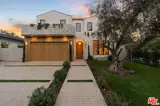
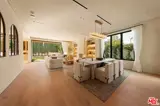

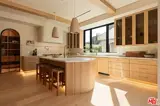
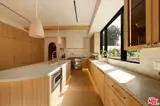
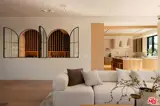
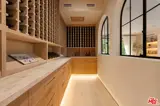
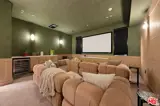


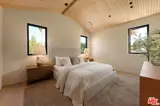


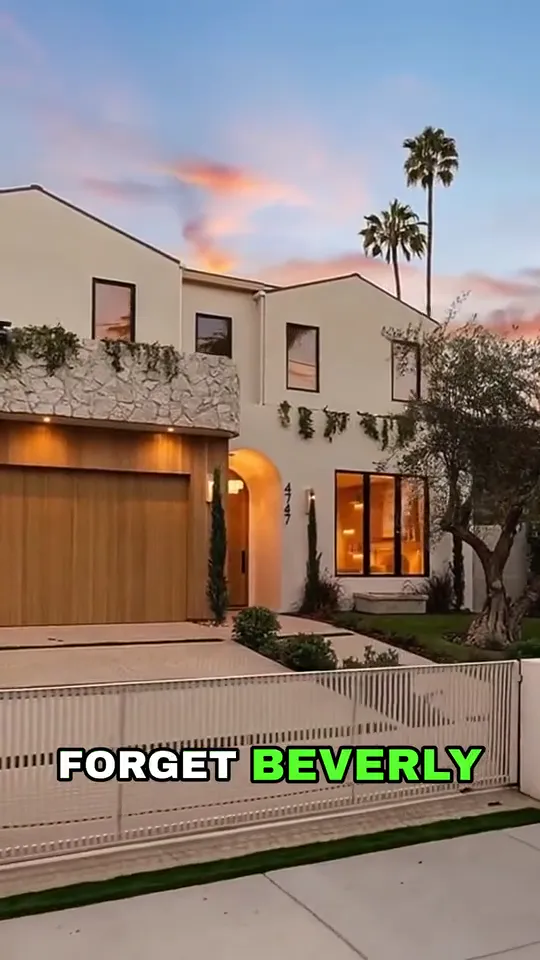
Add a listing once, as a project or a unit, and every video and post about it reads from it. You add the photos and the details yourself.
Real estate social media marketing, on autopilot.
Brandios turns each listing’s photos into property videos your AI twin can present, writes your posts and publishes them to LinkedIn, Instagram, Facebook Pages, X and TikTok. It works wherever you sell, in your own currency. Verified market data starts with Dubai, with more cities and countries on the way.
Everything a listing can hold
Up to 25 photos
The rooms, the view, the building. They become the shots of every video made from the listing.
The developer’s video
Up to 3 minutes of the developer’s own footage, once you confirm you may use it, plus their logo and the floor plan.
The facts buyers ask for
Price in your currency, size and bedrooms, handover and payment plan, and up to 20 facts of your own, with a description.
The permit
The listing’s permit number, and for Dubai the official permit link or its QR code.
Five videos from one listing
Pick the videos a listing deserves, as many as your plan’s videos a month allow. Each is upright for Reels and TikTok, and a video with music picks from five moods: Warm, Calm, Uplifting, Elegant or Hype.
Property tour
Your pictures walked through as one continuous tour, your voice over a music bed. Put your twin in any picture. The property tour is the only listing video that can also be wide, for LinkedIn and X.
 AI twin video
Twin virtual tour
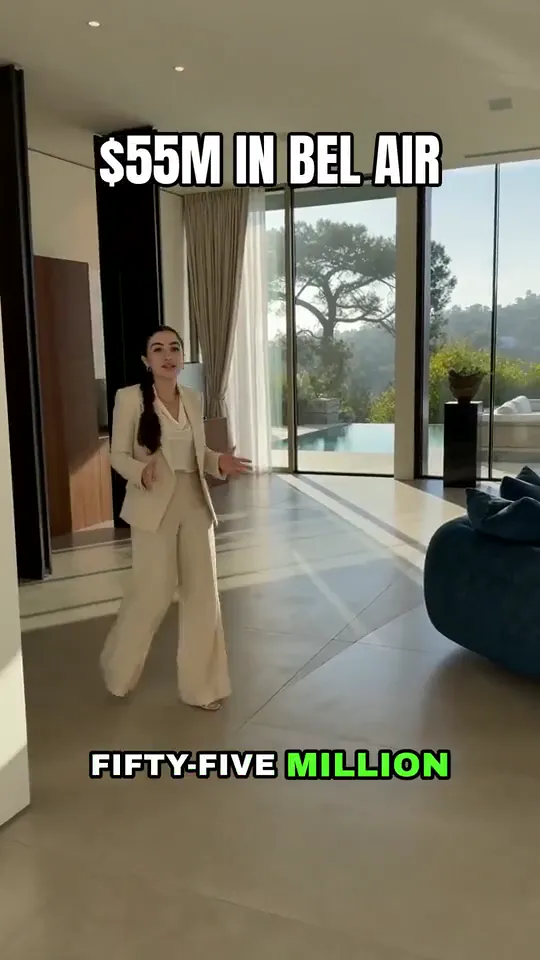
Your twin inside the property’s pictures, room by room: walking, pointing and talking to the camera in each one.
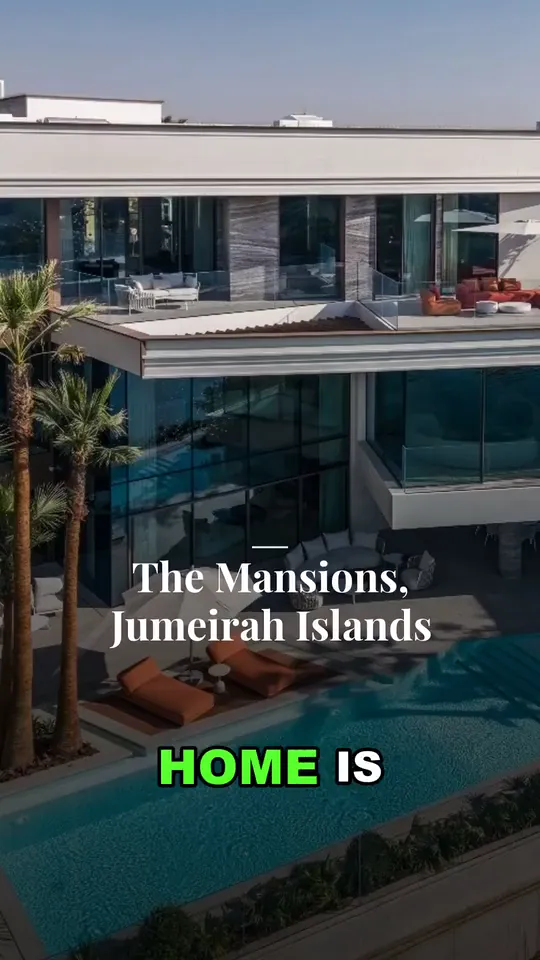
Picture promo
Your pictures with gentle camera moves, a music bed and your voice. Bring any line to life, add a headline, a collage or the map.
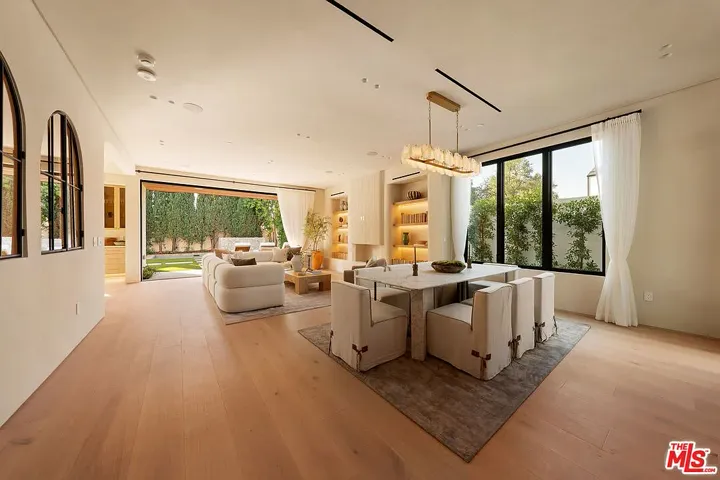
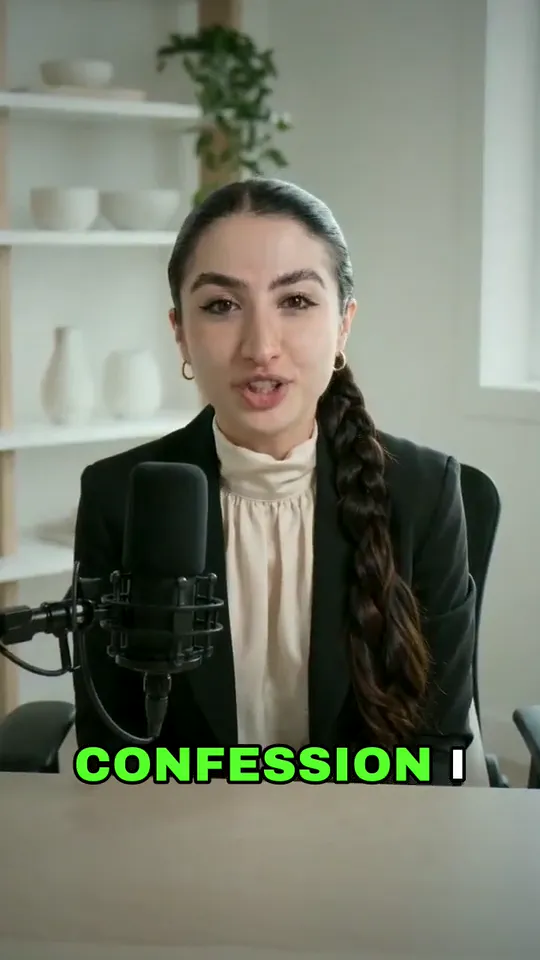 AI twin video
Twin presenter
Your twin on camera presenting the property’s pictures: split screen, in a corner card, standing in front of them, or you first and last with the pictures between.

Developer video
The developer’s own video, narrated in your voice: your script over their footage, captions on, your details on the end card.
Empty rooms, furnished
A property tour can furnish an empty room, so a bare unit shows how it could live.
- Living room
- Bedroom
- Dining room
- Home office
Your card at the end, with the permit
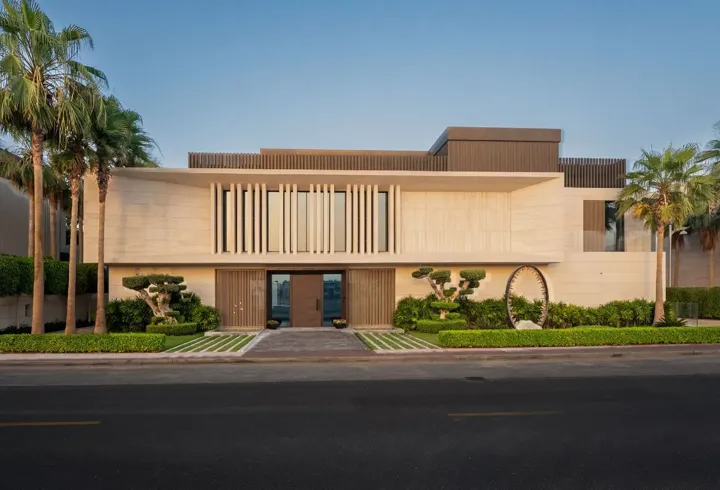
By default every video made from a listing, your twin’s included, ends on your card: your name and contact, the listing’s address and price and, when you add one, its permit number. Add a Dubai permit link and the card shows its official QR code too. You can end on your own picture or on nothing instead.
Your market, every week
Verified market data starts with Dubai. Brandios measures the Dubai market from official data and has new picks for you every Monday, for the areas, segments and buyers you choose. More cities and countries are on the way.
In Dubai, autopilot can put up to three market posts a week on your calendar: a single card, a four-card carousel, or a video of the number told in your voice over the same cards. On the Market page you can also film your twin presenting a week’s number.
AI twin video
- Mon
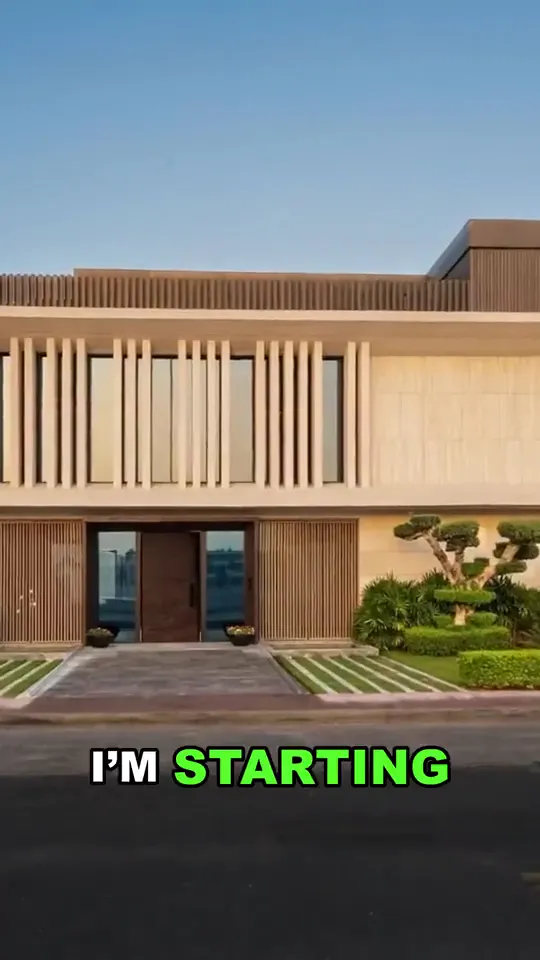 Property tourA villa on Palm Jumeirah
 - TueThis week’s number in Dubai MarinaOne cardThis week’s number in Dubai Marina
- WedArea guide: what to know before you buyBefore a client buys, I walk the area at rush hour, look at what is being built next door and ask what the service charge really covers.TextArea guide: what to know before you buy
- Thu
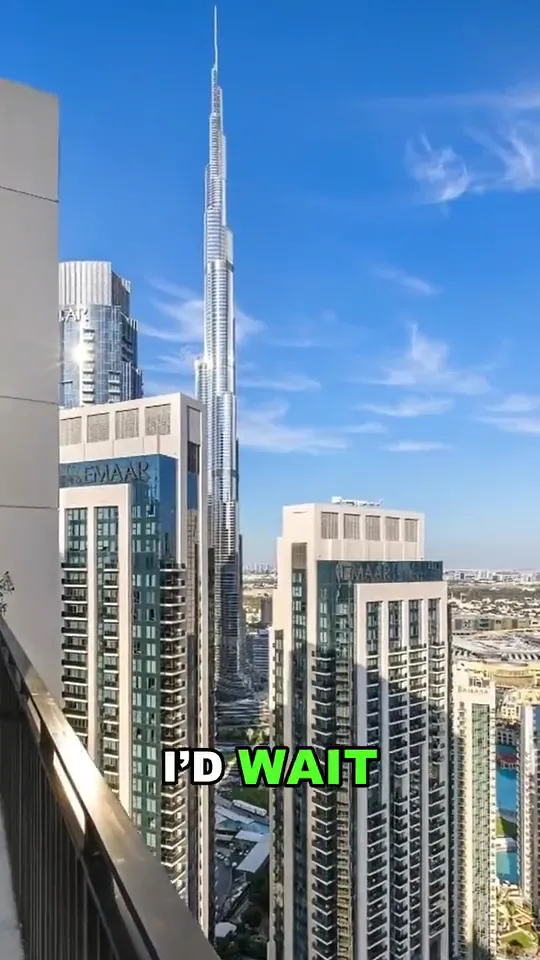 Property tourA penthouse at Boulevard Crescent
 - Fri1 / 3Buying tips: five checks before you signPhoto setBuying tips: five checks before you sign
Posts that keep you visible between listings
Brandios writes your everyday posts too, from 1 to 14 a week, on your topics and five it adds for agents: market updates, area guides, buying tips, selling tips and property investing. Its opening lines are written for real estate.
- Insider says no
I sell in [building/area] for a living. I would never [buy/rent/sign] [X] there.
- Contrarian
Everyone says [common buying rule]. In [area] it is wrong, and here is what the numbers say.
One post, a version for each network
Every post is written again for each network you connect: a LinkedIn post, an Instagram caption that closes with 3 to 5 hashtags, a post for your Facebook Page, a post that fits X and a TikTok caption.
Twin videos go out upright, as Reels on Instagram and Facebook Pages and as videos on TikTok. You see each version the way its network will show it, and can edit any of them before it goes out.
In Arabic, English and more
Every listing video can be in any language your twin speaks, narrated in your cloned voice or with your twin on camera: English (US, UK, Australia, Canada, Ireland, New Zealand, India and South Africa), Arabic (Standard, Classical and seven dialects), German, French, Spanish, Italian, Portuguese, Dutch, Swedish, Danish, Norwegian, Polish and Turkish. The developer’s own footage can carry your voice in Arabic as well as English.

How it works
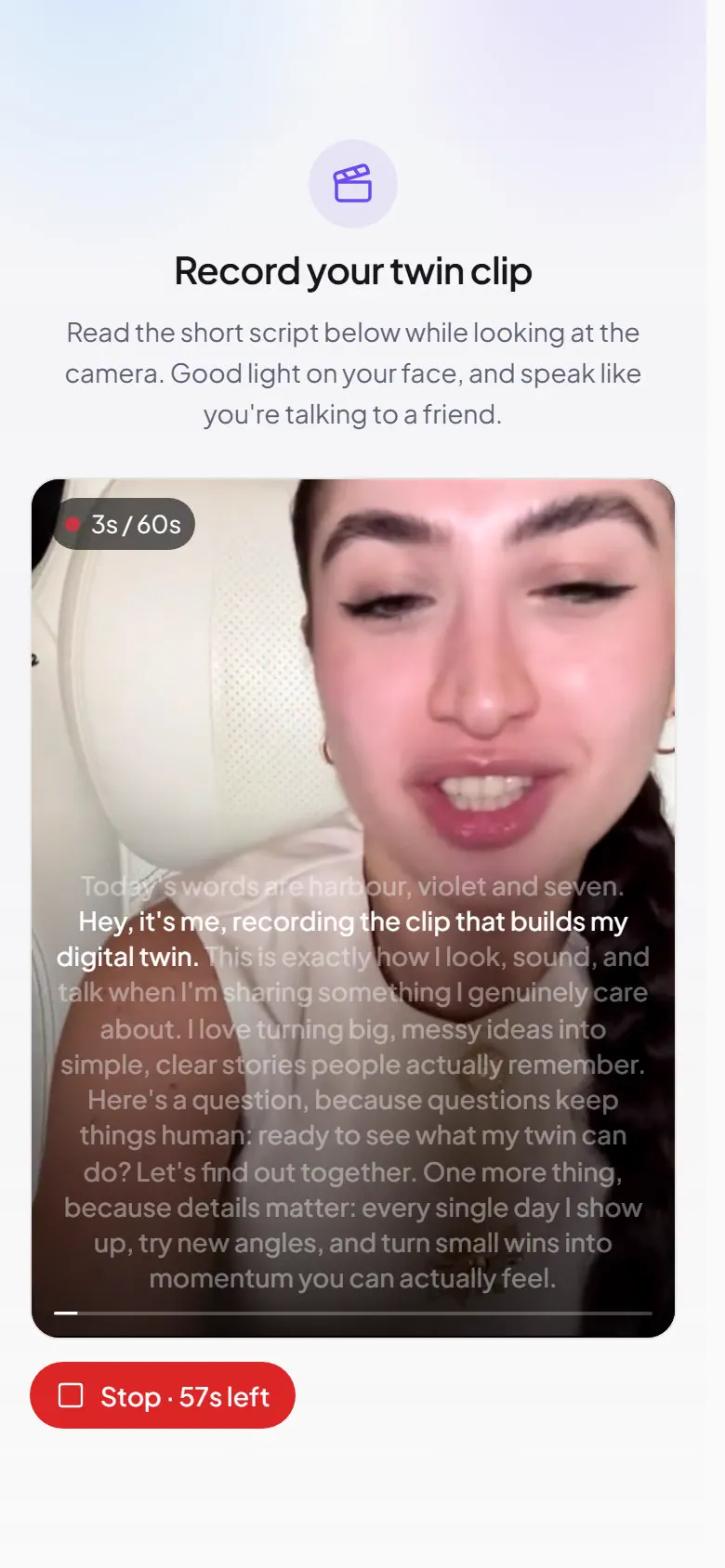
Record one take
One take of up to 60 seconds on your phone becomes your AI twin. You read three random words the app shows you, and it checks your recording for them.
Tell it about your work
Pick your field, fill in a short brand profile and paste a few samples of your writing. Brandios suggests your voice from them.
Approve and publish
Brandios plans the week, writes the posts, films your twin and publishes to LinkedIn, Instagram, Facebook Pages, X and TikTok. What you chose to see first waits for your yes, in the app or on Telegram.
Questions people ask
- Does it work outside Dubai?
- Yes. Listings, listing videos and your posts work in any city, in your own currency, and the permit number prints on any listing’s card. Verified market data starts with Dubai, and the official permit QR code is Dubai’s; more cities and countries are on the way.
- Do I need to film the property?
- No. Tours and promos are made from your listing photos. You record one take of yourself, once, for your AI twin.
- Can I approve videos before they post?
- You choose when you set up, and can change it any time: every post waits for your yes, only the ones with your face or voice, or none apart from twin videos. You answer in the app or on Telegram. Unless you choose otherwise, a post you leave unanswered doesn’t go out at its time: it moves later, and a twin video’s slot switches to a post without the video, or posts nothing if you’ve switched text posts off.
- Where does it publish?
- LinkedIn, Instagram, Facebook Pages, X and TikTok. Would rather post yourself? Set an account to send the finished post to Telegram, ready to copy.
- Can it import my listings from a portal or a brochure?
- No. You add the photos and details yourself, up to 25 photos a listing and up to 200 listings.
- Do I have to film every week?
- No. You record one take, once, and your twin films every video from it.
- How many posts a week?
- From 1 to 14, Monday to Friday unless you choose other days, and autopilot keeps the next seven days filled.
- What languages can my twin speak?
- English (US, UK, Australia, Canada, Ireland, New Zealand, India and South Africa), Arabic (Standard, Classical and seven dialects), German, French, Spanish, Italian, Portuguese, Dutch, Swedish, Danish, Norwegian, Polish and Turkish.
- Which plan fits?
- Property tours, twin presenter and twin tour videos, and picture promos with moving shots come out of the twin videos a month that come with Starter ($99 a month), Pro ($199 a month) and Elite ($399 a month). Developer videos and picture promos from still photos come out of the videos a month from your own pictures and voice, which Creator ($49 a month) includes too, with no twin videos a month.
- What does it cost?
- Plans start at $49 a month. Filmed twin videos come with Starter ($99 a month), Pro ($199 a month) and Elite ($399 a month).
Every listing on video. You film once.
On the blog:What UK Estate Agents Should Post Every Week to Win Listings Before the ViewingHow Dubai Agents Turn Listing Photos into Narrated Property Videos Without Filming