Each post runs 800 to 1,900 characters in your voice, with a first line that earns the tap on “see more” and short paragraphs after it. Brandios turns the format through your week (a question, a story, a hot take, a how-to, a myth-bust) so your week doesn’t repeat itself.
An AI LinkedIn ghostwriter that writes in your voice.
A LinkedIn ghostwriter writes the posts that go out under your name. Brandios does that job with AI: it learns how you sound, writes your posts, plans your week and publishes them to your LinkedIn profile or a Company Page. Your AI twin, made from one take of you, films videos of you for the same week.
Written the way LinkedIn reads
What it writes for LinkedIn
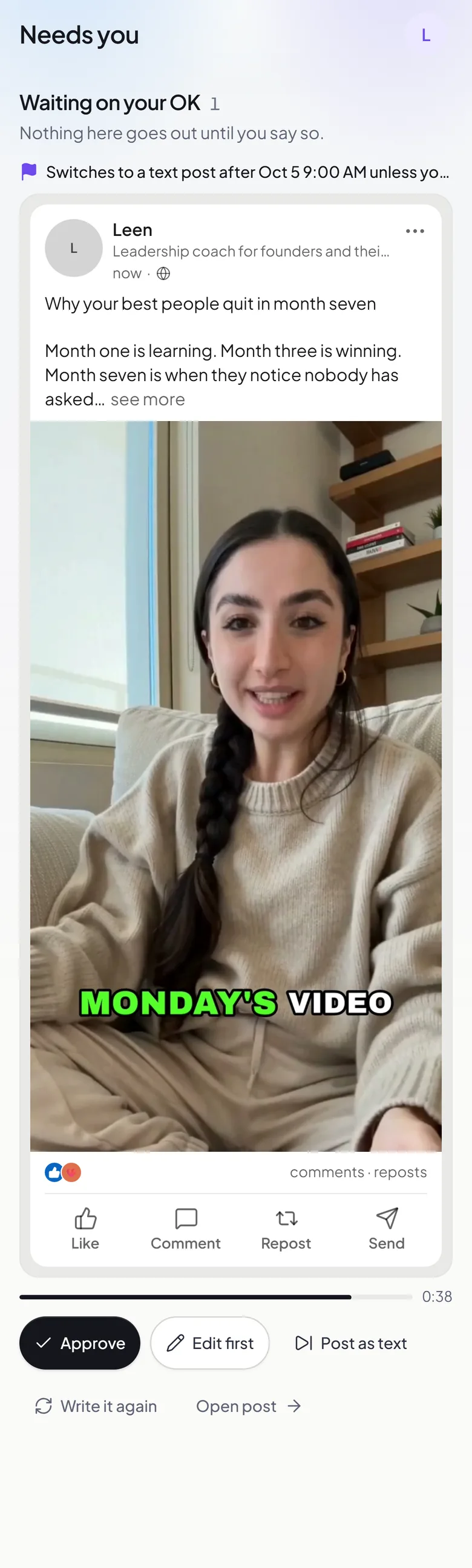
Text posts, posts with pictures and videos of you, mixed across the week the way you set it.
Text posts
Posts of 800 to 1,900 characters in your voice, with up to 3 hashtags.
Posts with pictures
One picture or up to 10, made for the post or from your own.
Videos of your AI twin
Talking videos of you, wide or upright, with an optional title under the video.
A first comment
Add a first comment under any post, to carry a link or a question.
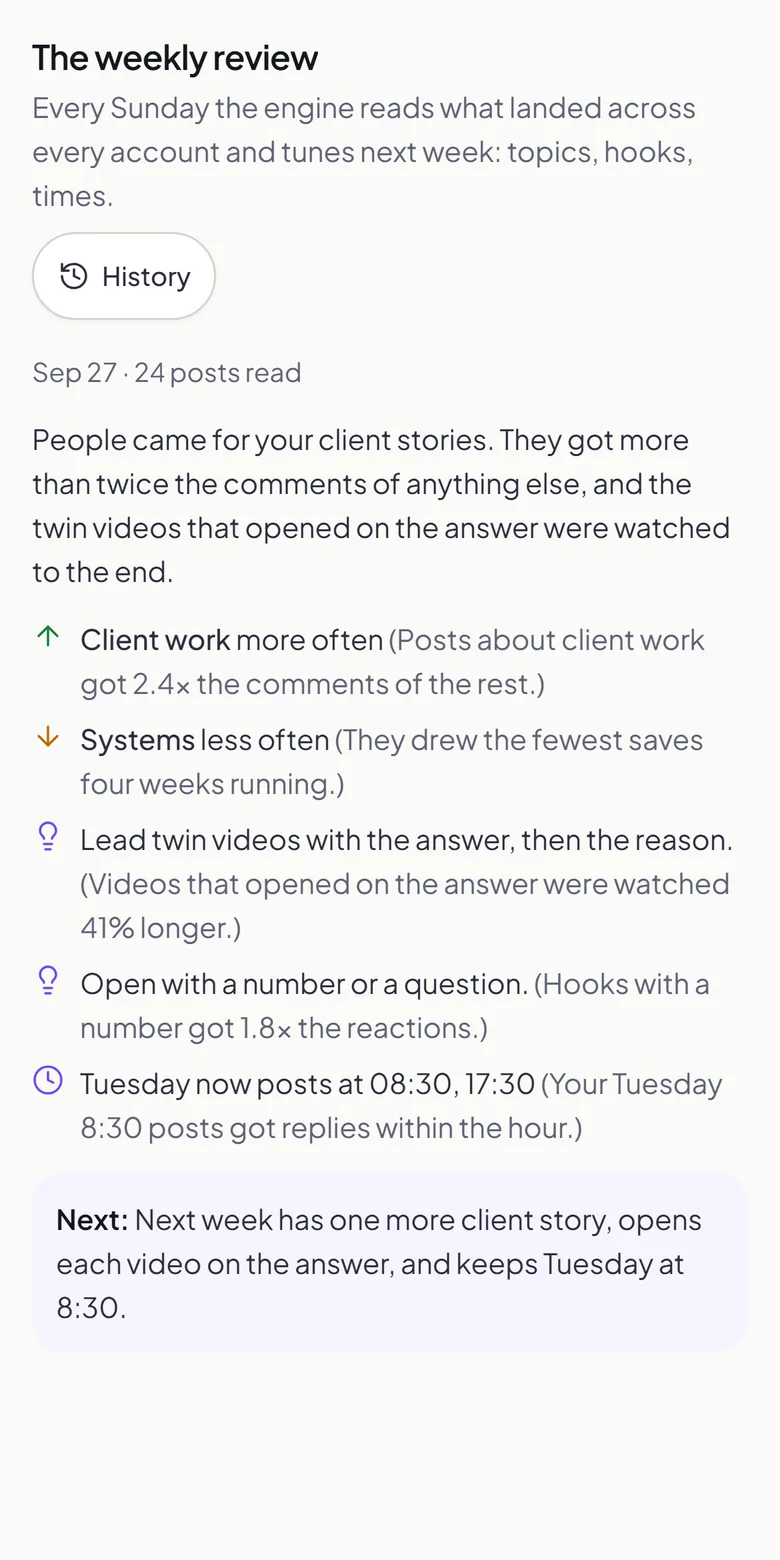
How it learns your voice
Brandios starts from what you tell it and what you have written, then keeps learning from your results.
A short brand profile: what you do, who you serve, up to 3 tones of voice, 1 to 5 topics and how often each comes up, and what every post should and should never do.
Up to 10 samples of your writing. Brandios reads them and suggests your voice; nothing goes into your profile until you say yes. LinkedIn lets only apps it approves read your posts, so paste a few of your best ones.
Connect Facebook, Instagram or X too and Brandios can learn from your last 10 posts there as well.
Once 5 posts have numbers from 3 days after they went out, a weekly review runs while autopilot is on. It reads what landed and what didn’t, then tunes the next week on its own: how often each topic comes up, which formats and openings to lean on and, if Brandios picks your hours, when it posts. You see what changed on the Analytics page, and in your chat when something moved.
Everything you can set on a LinkedIn post
Each post has a LinkedIn card for what goes out with it beyond the words and the media.
Your profile or a Page
Post as you, on your profile, or on a Company Page you run.
Who can see it
Anyone, your connections, or anyone signed in to LinkedIn.
A first comment
Up to 1,250 characters under the post, to carry a link or a question.
A link on a text post
A post of words alone can carry a link, and LinkedIn builds its preview. With a picture or a video, the link goes in the words.
A title under the video
Up to 200 characters. Leave it empty and LinkedIn shows the date.
Resharing
Stop other people resharing a post.
When it posts on LinkedIn
LinkedIn's best hours fall in the working morning. Autopilot plans each slot from the timing table Brandios plans with, on the days you choose, and keeps the next seven days filled. Each account then posts at its own network’s hour for that slot, or at the slot’s time when that hour comes earlier. You can also set up to 5 times a day yourself.
Mon
10:00
Tue
11:00
Wed
11:00
Thu
10:00
Fri
10:00
Sat
10:00
Sun
09:00
See what worked on LinkedIn
On a Company Page, Brandios reads each post’s numbers from LinkedIn after it goes out, and again as it ages. LinkedIn opens a personal profile’s post numbers only to apps it approves, so for those, send a screenshot instead.
What it reads from LinkedIn
- Impressions
- Reach
- Reactions
- Comments
- Shares
- On a Company Page: each post is read 6 hours after it goes out, then at 1, 2, 3, 7, 14 and 28 days.
- Forward a screenshot of a post’s stats to your Telegram chat and Brandios reads the numbers off it and logs them to that post.
- The Analytics page shows the last 7, 28 or 90 days: what went out and its numbers against the period before, your followers over time, impressions a week and your top 3 posts.
- Every Monday morning your chat gets the week in a few lines: posts out, impressions, your best post and what comes next.
Your name, your yes
Connect your LinkedIn profile, or a Company Page you manage; each connected account posts as one of them.
- You choose when you set up, and can change it any time: every post waits for your yes, only the ones with your face or voice, or none apart from twin videos. You answer in the app or on Telegram. Unless you choose otherwise, a post you leave unanswered doesn’t go out at its time: it moves later, and a twin video’s slot switches to a post without the video, or posts nothing if you’ve switched text posts off.
- Would rather post yourself? Set an account to send the finished post to Telegram, ready to copy.
Made for people who are the brand
Pick your field and Brandios writes for it. Each field has a page of its own.
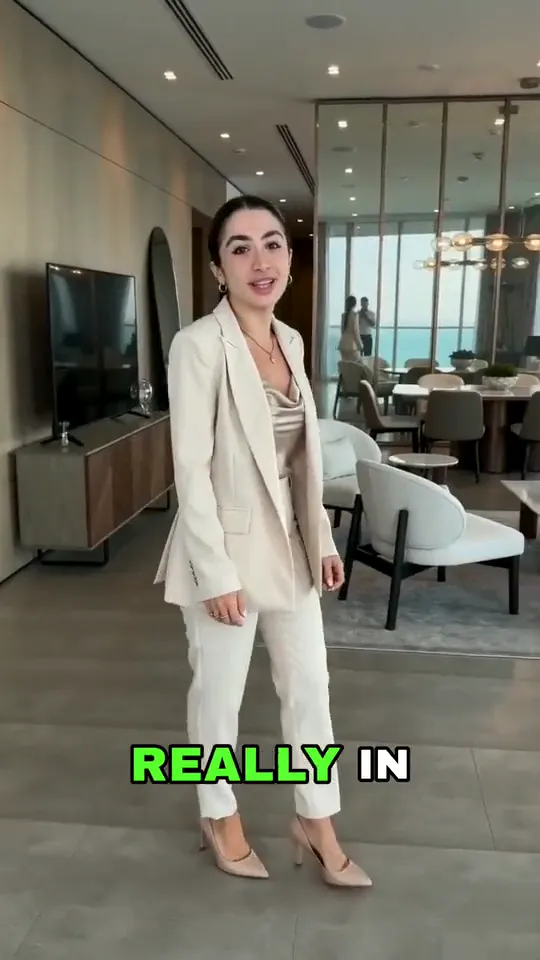 AI twin videoReal estate agentsListing photos become property videos your twin presents.
 AI twin videoDoctors and clinicsPosts and videos built on patient questions.
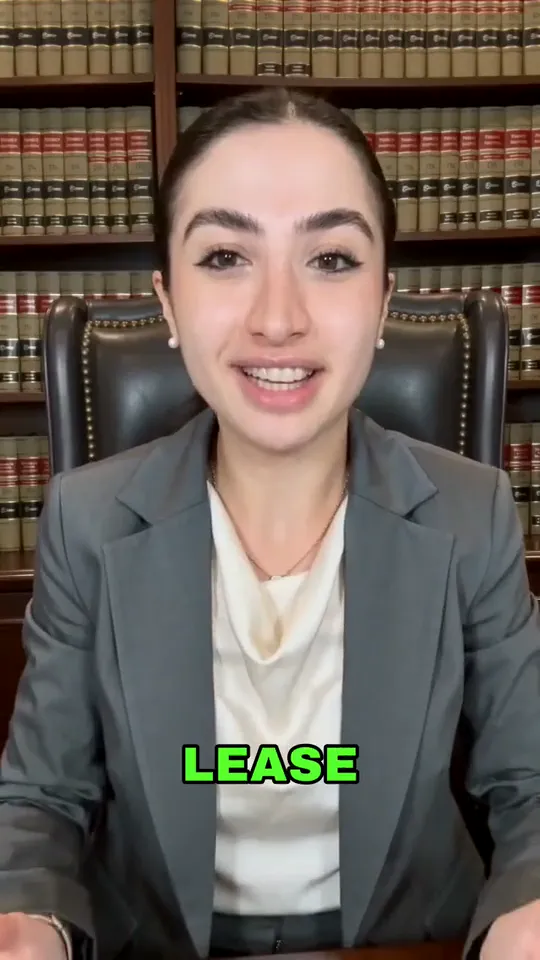 AI twin videoLawyersExplainers on the questions clients ask.
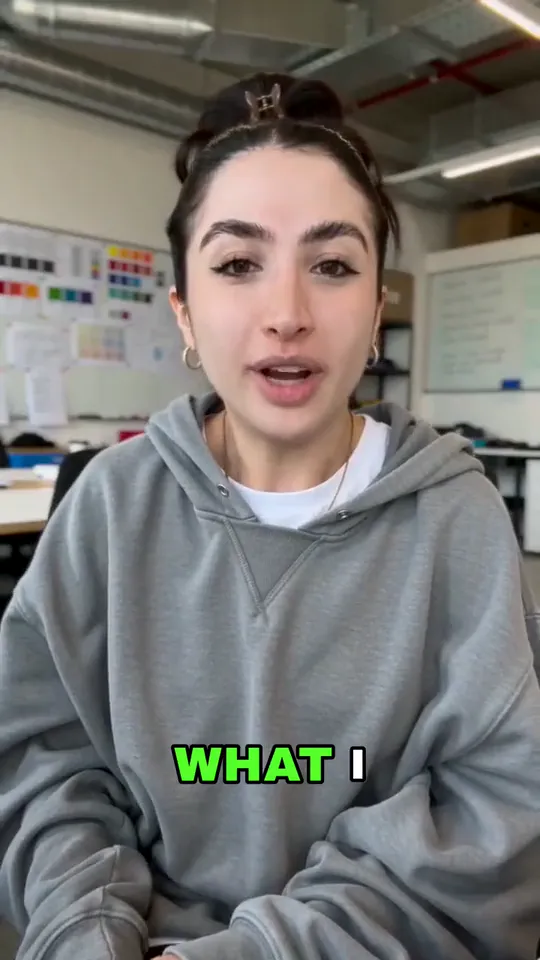 AI twin videoFounders and techShow up for customers and hires.
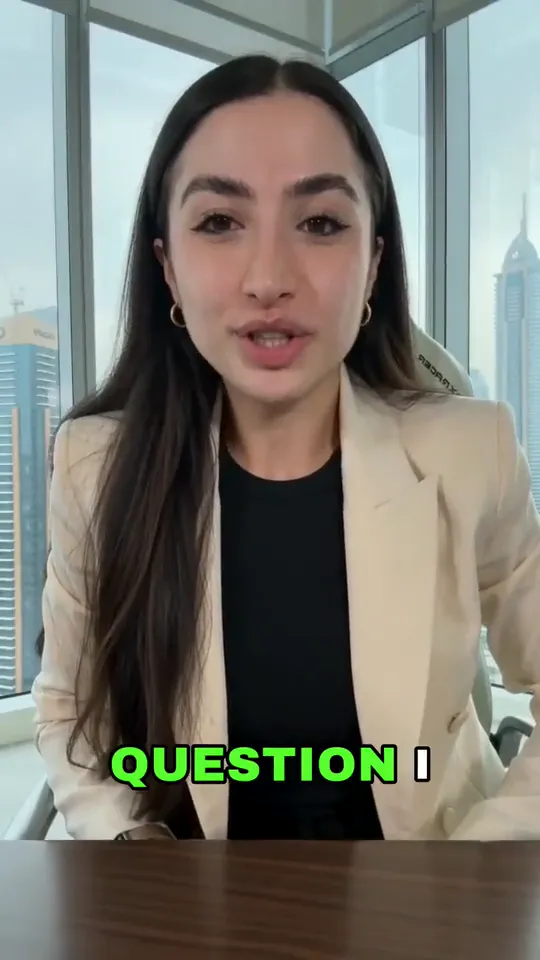 AI twin videoCoaches and consultantsYour best thinking, posted every week.
Questions people ask
- Will the posts sound like me?
- They are written from your brand profile and your writing samples, and you can edit any post before it publishes.
- Can it read my old LinkedIn posts?
- Not by itself. Paste a few of your best ones as writing samples and it learns from them.
- Can it post to a Company Page?
- Yes. Connect the Company Page you manage, as well as or instead of your profile.
- Can it make LinkedIn polls or PDF carousels?
- No. It posts text, pictures and videos.
- Does it comment or answer people?
- No. It writes and publishes your posts; the conversations stay yours.
- Can I add a first comment?
- Yes, up to 1,250 characters under any post, to carry a link or a question.
- Can I choose who sees a post?
- Yes: anyone, your connections, or anyone signed in to LinkedIn. You can also stop people resharing it.
- Does it learn from what works?
- Yes. Once 5 posts have numbers from 3 days after they went out, a weekly review tunes how often each topic comes up and which formats and openings to lean on. On a Company Page the numbers come in by themselves.
- A ghostwriter or AI: what changes?
- A human ghostwriter interviews you and can sit in on your calls. Brandios works from your brand profile and your samples, and keeps your week filled whether or not you had time that week.
- Do I have to approve every post?
- No. You choose: every post, only the ones with your face or voice, or none apart from twin videos, which come to you first by default.
- What does it cost?
- Plans start at $49 a month. Filmed twin videos come with Starter ($99 a month), Pro ($199 a month) and Elite ($399 a month).
Your best thinking, posted every week.
Posts in your voice on LinkedIn, and videos of you when you want them.
On the blog:The Real Cost of Inconsistent Posting for Dubai Executives — and the ROI of Showing Up Every WeekWhy Busy Dubai Professionals Go Dark on LinkedIn and What Autopilot Personal Branding Fixes