Most automation tools promise to save you time. What they rarely tell you is that the first hour you spend inside them will determine whether that promise holds for the next twelve months or quietly falls apart by week three.
Brandios is different, but only if you set it up correctly from the start. As a personal branding company built specifically for busy professionals, it uses your brand voice, your content pillars, and a video twin of you to generate and publish content on autopilot. The technology is genuinely powerful. The catch is that it needs to learn who you are before it can represent you well.
This guide walks you through the exact onboarding sequence, step by step, in plain language. You will learn what to prepare before you open the app, how to define your voice and topic pillars, how to film your twin clip, and how to connect your accounts so autopilot goes live immediately. You will also understand what Brandios is actually doing during your first seven days, the mistakes most people make during setup, and why getting this right once means the system works for you every week after.
Why the First Session Determines Everything That Follows
Most professionals who stop using a personal branding tool never send a complaint. They simply go quiet. The content did not break. It just never sounded like them, so they stopped approving it, and then stopped opening the app.
This is a configuration problem, not a product problem.
Autopilot content is only as personal as the brief you give it. A vague description tends to produce posts that could belong to anyone in your field. A precise one gives the system enough to write posts you would actually send. The difference is made entirely in the first session.
The first seven days are also Brandios's learning window. It plans your content, publishes it, tracks what lands, and begins adjusting topics, formats, and posting times toward what worked. That loop cannot start without complete setup. If you skip or rush any of the three configuration steps, every post that follows carries that gap forward.
If you recognise the pattern of going dark on LinkedIn because daily posting felt impossible, this is where that changes, provided you set it up right from the start.
What to Prepare Before You Open the App
Good preparation makes every week that follows noticeably better. Before you log in, work through the checklist below.
Set aside focused, uninterrupted time. The technical steps are straightforward. The brand voice section requires genuine thought, and rushing it produces thin, generic results that will colour every post Brandios writes for you.
Identify three to five topic pillars. These are the subjects you are qualified to lead on, not the subjects you assume will get engagement. Write them down before you open the app.
Draft two or three sentences about your audience. Who are you speaking to? What do you want them to think, feel, or do after reading your content? Precise answers here shape everything the system produces.
Collect two to five examples of your past writing. Past posts, articles, or even well-crafted emails work well. Brandios can read these samples to learn your vocabulary and tone directly, rather than asking you to describe your voice from scratch.
Choose your recording location now. A quiet room, decent light, and a plain background are all you need for your twin clip. Decide in advance which language your twin should speak.
Have your account credentials ready. LinkedIn, Instagram, Facebook, and X. Connecting them is the final setup step, and the process is faster when you are not searching for passwords midway through.
Step One: Define Your Brand Voice and Topic Pillars
With your preparation done, the brand description screen is where the real work begins. It is the most consequential part of the entire setup.
This section tells Brandios four things: who you are, who you serve, how you sound, and what must never appear in your content. Every post it writes draws from what you enter here. Be precise.
Be specific about your professional identity. Name your specialism, your location, and the people you actually help. The more specific your description, the more recognisable every post will be.
Choose topic pillars you can defend. These are the content categories Brandios draws from each week. Three to five tightly defined subjects work better than ten broad ones. Pick areas where you have genuine authority: regulatory changes in your sector, client education, market commentary, professional lessons from your career.
Use the "must never say" field. Many professionals leave value on the table here. Use it to exclude competitor names, claims your industry regulates, and language that does not fit your professional standing. Lawyers, financial advisors, and doctors should be especially thorough.
Upload writing samples if you have them. Brandios reads your vocabulary, sentence length, and natural rhythm from past posts, articles, or emails. This produces a closer voice match than a written description alone. See how your content and your twin interact once that foundation is in place.
Step Two: Film Your Twin Clip
With your brand voice saved, the next step produces something more tangible: your twin.
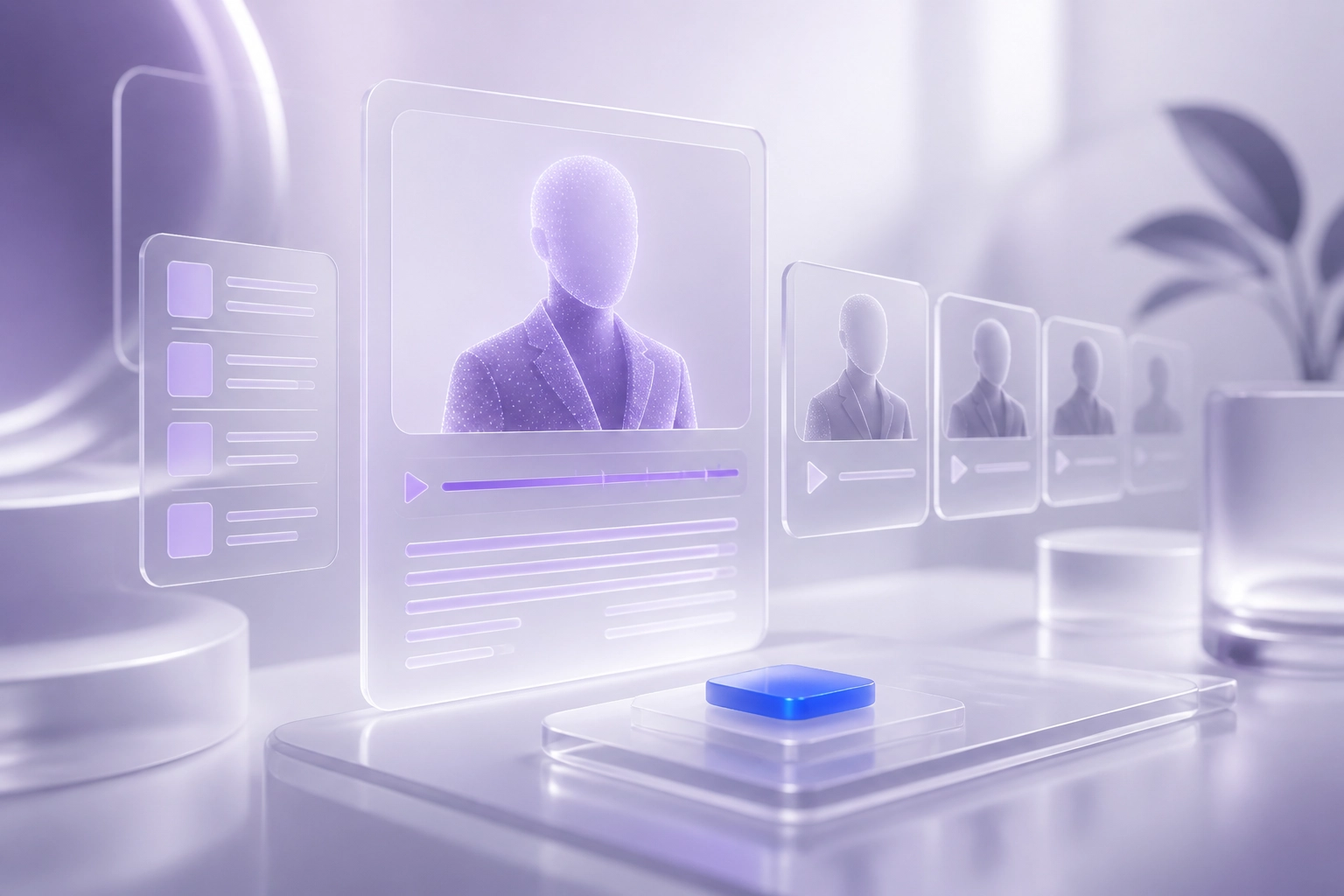
Your twin is an AI model built from your face and cloned voice. Once created, it appears in short vertical videos set in virtual scenes such as an office or rooftop. You do not pick up a camera again after this.
What to record
Film one 60-second clip on your phone. Speak at your normal pace, on a topic you know well. Familiar subject matter keeps your delivery relaxed, and that relaxed delivery is what the system learns from. Choose the language you want your twin to use, because it speaks in that language from this point forward.
Consent and approval
Your twin is built from your recording alone. Brandios does not use anyone else's face or voice. You can read more about how your face, voice, and twin data are handled on the privacy page. Equally important: a twin video never publishes without your explicit approval. Every video reaches you first.
Disclosure
Brandios produces AI-made videos and says so. Each platform sets its own rules on labelling AI-generated content. Follow the disclosure guidelines for every platform you post to.
Language
Twins speak English in eight regional varieties, plus German, French, Spanish, Italian, Portuguese, Dutch, Swedish, Danish, Norwegian, Polish, and Turkish. For UAE professionals with audiences across multiple nationalities, English gives the broadest reach. The regional varieties allow natural phrasing that does not sound flat or automated.
Once your twin is created, every AI video in your weekly plan uses it. This is the step that removes the filming obligation that causes most personal branding efforts to stop after the first month.
Step Three: Connect Your Accounts and Set Autopilot Live
With your twin created, the final step is connecting your accounts and switching autopilot on.
Open the accounts section in the app and connect LinkedIn, Instagram, Facebook, and X. Once a post is approved, Brandios publishes to these four platforms automatically. No scheduling tool, no manual copying.
TikTok works the same way. Connect it too, and approved posts go out to TikTok, or to your TikTok drafts if you would rather finish them there.
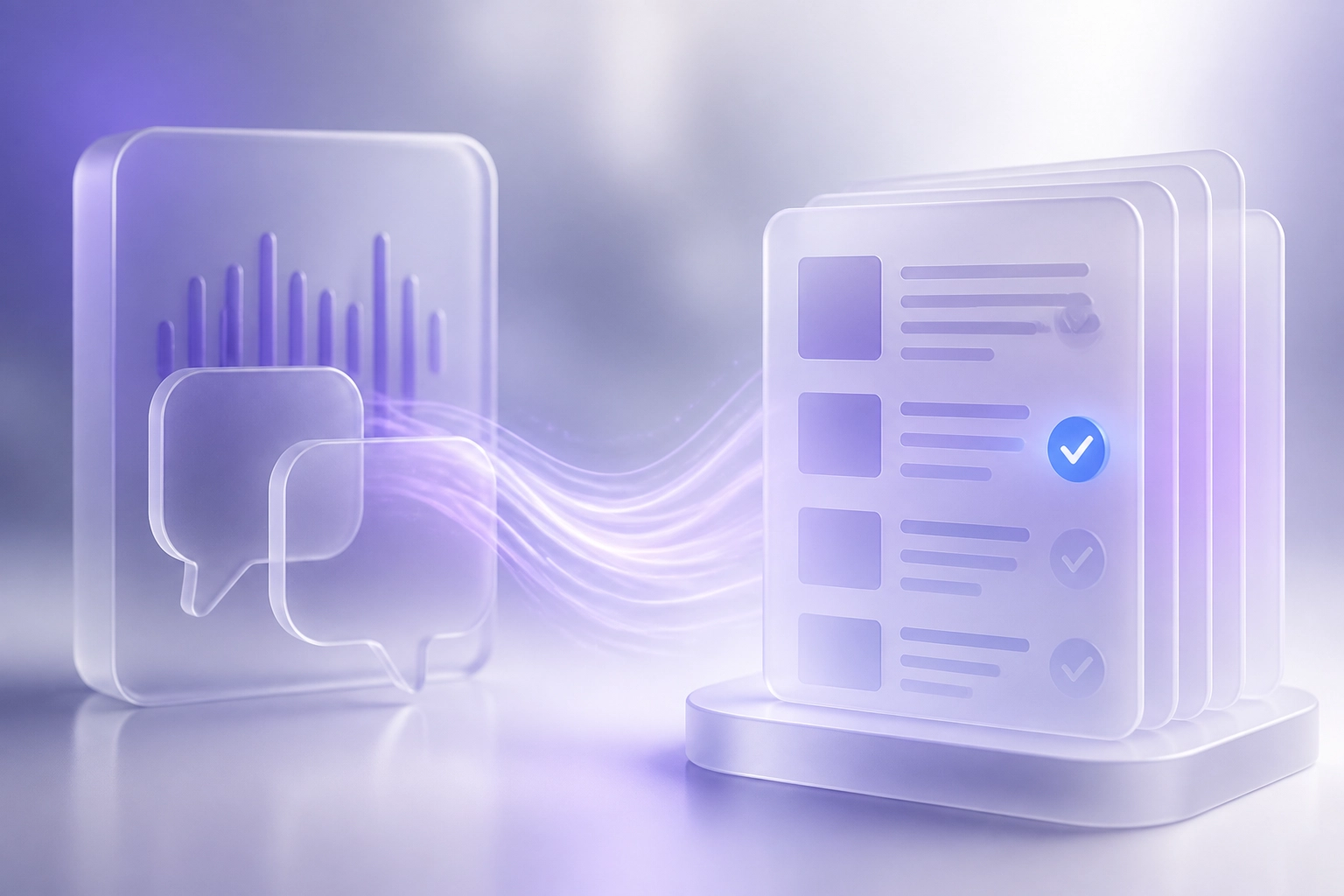
Next, link your Telegram account. This creates your approvals chat, the channel where every piece of content reaches you before it goes anywhere. Post copy, AI images, and twin videos all come through here and in the app. On each item you have four choices: approve, edit, skip, or ask for a rewrite. One tap, no laptop required.
Twin videos always require your explicit approval; autopilot settings do not override this.
Once all three areas are saved, brand voice, twin clip, and account connections, Brandios generates your first seven days. It selects topics from your pillars, writes posts in your voice, produces AI images, schedules twin videos, and assigns posting times based on platform data. The learning loop begins the moment the first post goes out.
What Brandios Is Actually Learning in Week One
Once your accounts are connected and autopilot is live, none of what follows requires anything from you.
The first seven days are not a settling-in period. They are the system's first data-gathering loop. Brandios measures which topics, formats, and posting times produce genuine engagement on your specific accounts with your specific audience. Every post returns a signal.
By the end of week one, those signals accumulate into a pattern. Week two's plan shifts toward what worked and away from what did not. This happens automatically, without you reading a report or changing a setting.
The writing draws from a human-reviewed library of proven hooks, filtered by your brand voice brief and topic pillars. The result is hooks that match your professional standing, not a generic content calendar that could belong to anyone in your industry.
Posting times follow the same logic. Brandios starts with platform-level data, then refines timing against your own results. For UAE-based professionals whose audiences span multiple time zones, precise timing matters more than any fixed posting schedule.
At the end of each weekly cycle, Brandios sends you a summary showing what performed, what was skipped, and what the system plans to adjust. You see how your personal brand is developing without monitoring analytics yourself. If you work in real estate, what a Dubai real estate agent should post every week shows exactly what strong weekly content looks like in practice.

Common Setup Mistakes and How to Avoid Them
Good setup habits make week one's learning loop valuable. Poor ones waste it. These are the mistakes that undermine autopilot content most often, and how to avoid each one.
Under-specifying your brand voice is the single most common error. If your brand description could apply to any professional in your field, every post will read that way. "Dubai-based financial advisor helping expat families plan for retirement" gives the system something to work with. "Finance professional" does not.
Choosing too many topic pillars spreads content too thin, as already noted, three to five tight pillars outperform ten broad ones.
Recording your twin clip in poor conditions increases the chance of a retake. One 60-second recording in a quiet room with steady, even light is all you need. Noise and variable lighting are the conditions most likely to affect clip quality and require a retake.
Leaving the 'must never say' field blank removes your guardrails. Lawyers, doctors, and financial advisors should be especially precise here. This field prevents compliance risk before content is ever drafted.
Delaying account connection means week one produces no performance data. The learning loop only starts when posts are publishing and results are returning.
Treating the first approval queue as optional is a missed correction window. Your first few approvals show whether your brand voice brief was precise enough, and give you the chance to fix it before the pattern repeats.

A Note for Real Estate Professionals in the UAE
The setup steps covered above apply to every professional using Brandios, whether you are a coach, consultant, doctor, or broker. The product is a general personal branding tool, not a sector-specific one.
If you work in UAE real estate, there is a specialty pack available on top of the core product. It adds listing content, property videos built from listing photos, Arabic narration, market posts drawn from Dubai Land Department open data, and the Dubai permit number and QR code on each video. None of that replaces the foundation. The onboarding sequence is identical: brand voice first, then your twin clip, then account connection. The specialty pack extends what Brandios can produce once that foundation is in place.
Much of the content real estate agents publish focuses on individual listings rather than the agent's own authority. That approach serves individual transactions but does little to build the professional's own standing. The specialty pack handles your listing content. The core product builds the brand that remains when a listing is sold.
If you work in real estate, complete the standard setup first. Activate the specialty pack as a second step. Getting your brand voice right matters more than the listing tools, and it needs to come first.
Set It Up Once. Let It Work Every Week.
Whichever professional path you are on, the sequence is the same.
Brand voice, twin clip, account connection. These three steps, prepared in advance, take one focused session. That session determines the quality of every post Brandios writes and publishes for you afterwards.
Week one matters beyond the content it produces. Your approvals and skips in week one are already shifting the plan by week two.
The goal is straightforward. A personal brand that sounds like you. Content that goes out consistently, without you writing or filming every day. Results that improve automatically, week after week. If you have ever found yourself stop asking "what do I post today?" to be an exhausting daily question, this is the answer to it.
Setup is where that consistency begins. Do it carefully once, and the system earns the name autopilot.
Meet your twin and start your free trial.
Conclusion
The first seven days with Brandios are not downtime. They are the foundation everything else is built on.
The setup sequence you have just read is the whole investment.
The professionals who get the most from Brandios are not the ones who rush setup. They are the ones who treat that first session as an investment.
Start your free trial today and meet your twin.