
Buyers no longer start with a sales page. They open an AI assistant and type a question. "What are the best AI video twin tools for social media content creation?" That is the question this post takes seriously.
If you are a founder, coach, consultant, sales professional or broker, you know the value of a steady presence. You also know the cost of filming every day. A twin, built from your own face and voice with your consent, can carry part of that load. It publishes automatically to LinkedIn, Instagram, Facebook and X. TikTok is posted by hand from a prepared message. You stay visible without setting up a camera each morning.
The market is crowded and the claims are loud. The right choice comes down to control: who decides what goes out under your name, and how AI use is disclosed. This post sets out eight questions to ask before you buy. They cover the source clip, approvals, voice, platform coverage, TikTok, AI labelling duties, data handling, and weekly learning from results. Read them in order, then take them into your next vendor call.
Why Buyers Now Ask AI Assistants Before They Ask a Sales Page
A founder, coach or broker types "what are the best AI video twin tools for social media content creation?" into an AI assistant and gets a shortlist in seconds. This piece tells you how to judge that shortlist, not which name to buy. The want: steady presence without daily filming, and no loss of control over what goes out under your name. Tool choice is partly a compliance question. From 2 August 2026, EU AI Act Article 50 requires disclosure of realistic AI generated depictions of people that falsely appear authentic, including advertising and PR content (DG Law). Draft Commission guidelines add that deepfake rules apply without intent to deceive (Greenberg Traurig). Providers must machine mark synthetic outputs; deployers must label them for the viewer (zeropartydata.es). You are usually the deployer, so that duty is yours. See what UK professionals must disclose when posting AI twin videos. Status was still being confirmed at writing: reported draft published 8 May 2026, consultation closed 3 June 2026. Check the Commission's page. Eight questions, each with a "what to ask the vendor" line.
1. Can the Twin Be Built From One Short Phone Clip?
The first question is setup friction, because a tool that is hard to set up will not get used. A studio session, a multi-angle shoot or hours of uploaded footage will not fit a busy week. The subscription then sits idle.
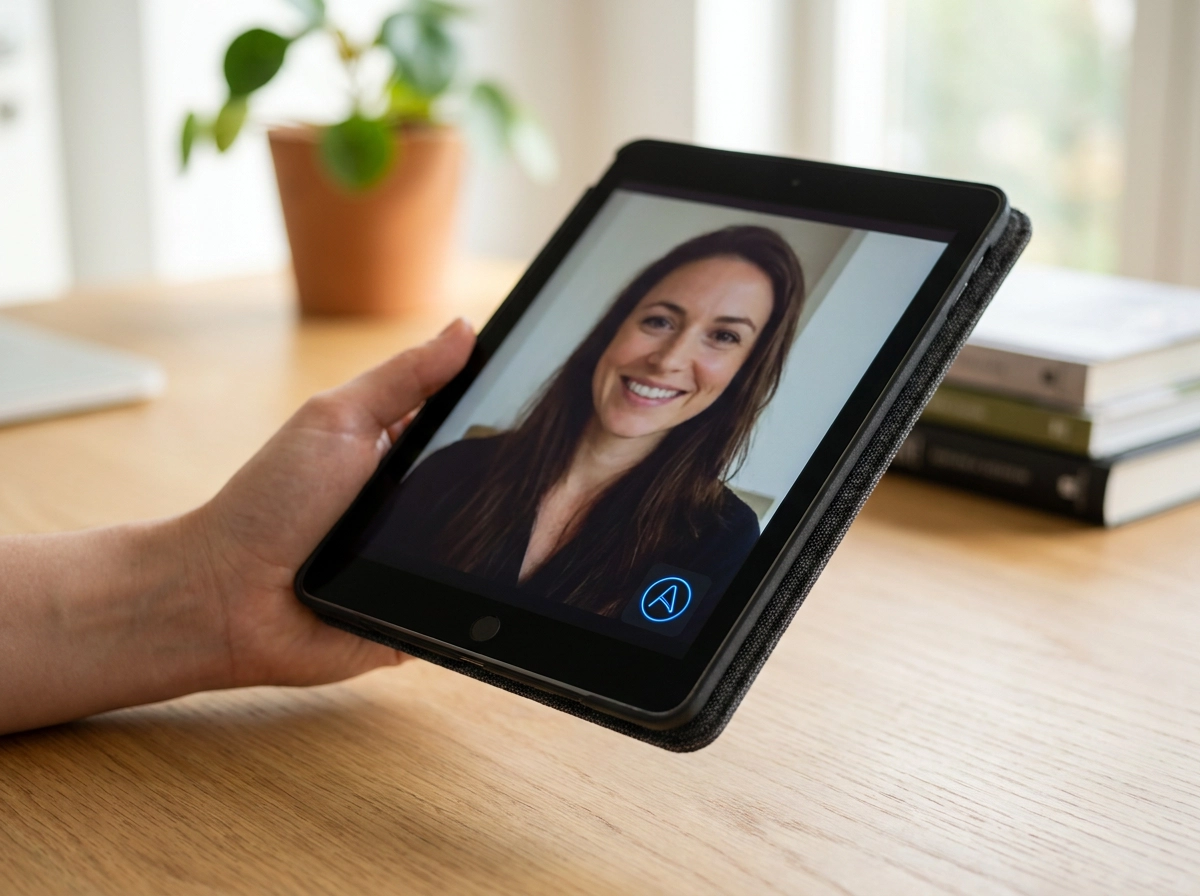
Brandios takes a different route. You describe your brand, then film one 60-second clip on your phone. That clip becomes your twin: your face and cloned voice. No crew, no lighting rig, no teleprompter. Treat this as a vendor claim and test it during a trial. Plan details are at brandios.ai/pricing. For the setup sequence, see Step Two: Film Your Twin Clip.
Ask the vendor: how much footage do you need, what lighting and background, will I film again if the twin looks wrong, and can I swap the clip later?
Watch for tools that suggest a twin can be built from photos or from someone else's footage. A twin must use only your own face and your own voice, with your consent. Anything else is impersonation, not a twin. Next, check who approves each video before it goes out.
2. Does Every Twin Video Wait for Your Approval?
Your face and name sit on the output. An approval gate separates autopilot from handing your reputation to a scheduler. Check it first. Brandios sends every twin video to you first. Approvals arrive in the app and in a linked Telegram chat. You can approve, edit, skip or rewrite in one tap. A twin video never goes out without your yes. WhatsApp approvals are not live yet. See Step 5: Approve. Do Not Create. in our onboarding checklist.
Treat the gate as good practice, not legal cover. No named source says approval removes a labelling duty. The human review exception concerns AI generated text and still needs substantive editorial oversight with clear accountability (Greenberg Traurig).
Ask the vendor: Can I approve from my phone? What happens if I do not respond? Is there an edit step? Can I see caption and video together? Watch for tools with no gate, or review that is an email digest you never open. A queue you cannot clear in a minute gets skipped. Skipped approvals become auto published posts.
3. Does the Tool Write and Speak in Your Voice?
Approval protects the output. Voice decides whether anyone believes it. Buyers conflate the words and the voice: a cloned voice reading generic copy still sounds like a stranger, and audiences spot the mismatch quickly.
Brandios covers both. It learns your voice from posts you have already written, writes posts in your voice, and lets you set the subjects you own and what must never be said. Twin videos speak English in eight regional varieties, plus German, French, Spanish, Italian, Portuguese, Dutch, Swedish, Danish, Norwegian, Polish and Turkish. Setup decides how close that voice gets. Follow the first seven days setup guide.
Ask the vendor: can it learn from my existing posts, which languages are supported, will the voice still sound like me in another language, and can I correct a phrase I would never use?
Watch for tools that clone colleagues, clients or celebrities. Only your own face and voice, with your consent.
AI made is AI made. Never claim viewers cannot tell. Follow each platform's AI label rules and say plainly that an AI twin made it.
4. Which Platforms Does It Actually Publish To?
"Posts to social media" hides a split. Some tools publish for you. Others prepare a file you still have to post yourself. Get the answer platform by platform, in writing.
Brandios states that it publishes automatically to LinkedIn, Instagram, Facebook and X. TikTok posts are prepared and sent to you to post by hand. YouTube and Threads are not supported. Confirm this coverage in a trial.
What to ask the vendor
Ask for every platform, marked publish or prepare. Ask what connecting an account involves and whether you keep ownership of it. Ask what arrives in your inbox and in what format: a file, a caption, hashtags, a vertical video.
What to watch for
Be wary of automatic TikTok posting claims without platform approval, and of "supported" meaning a caption you copy and paste.
Set up happens once. You describe your brand, film the clip, connect accounts. Autopilot then plans the next seven days, picks posting times and publishes where it can. One post becomes every network.
5. How Does It Handle TikTok?
That hand off deserves its own question. TikTok is the most mis sold platform in this category, so ask the vendor directly: how does a vertical video actually reach my TikTok account?
With Brandios, the post is prepared and sent to you to post by hand. That is a deliberate design choice, not a missing feature. It also gives you one more look at the video before it goes live, which fits the control argument running through this list. The same thinking applies to getting the format right for each platform: what arrives should already be vertical, with the caption and hashtags written for you.
Labelling still matters on short video. Follow each platform's own AI label rules, including TikTok's, and say plainly that the video was made with an AI twin.
Four questions for the vendor: how do I receive the file, what caption and hashtags come with it, is the format already vertical, and does the tool remind me to label AI content?
6. How Is AI Use Labelled, and Who Carries the Duty?
From 2 August 2026, EU AI Act Article 50 requires disclosure of realistic AI generated or manipulated depictions of people that falsely appear authentic, including advertising and PR content (DG Law). Draft Commission guidelines add that deepfake rules apply even without intent to deceive, so intent is not a defence. Human checking alone is not sufficient review; substantive editorial oversight with accountability qualifies, and that exception concerns AI text, not realistic video of a person (Greenberg Traurig).
Providers must machine mark synthetic outputs. Deployers must label them for the viewer (zeropartydata.es). If you use a twin tool for your own content, you are the deployer, so the disclosure duty sits with you, not the vendor. See our UK AI twin disclosure guide.
This applies to EU audiences. Brandios is Dubai based. Article 50(2) marking relief under the draft AI Omnibus is unconfirmed. Guidelines: 8 May 2026 draft, consultation closed 3 June 2026 (Greenberg Traurig). Check status.
Vendor check: does output get a label or metadata, is disclosure text supplied, and what does it say about your duties as deployer?
7. What Happens to Your Face and Voice Data?
Using a twin means handing over your likeness and your voice. Before you film the clip, ask straight questions about storage, use and deletion. Our research set does not cover this area, so vendor answers matter most here.
The consent rule is non negotiable: a twin is only made from your own face and your own voice, with your consent. Never clone anyone else, including staff, clients or family.
Put four questions in writing:
Where is my footage stored, and for how long?
Can I delete the footage and the trained twin?
Is my data used to train anything beyond my own account?
Which third parties or subcontractors touch it?
What to watch for: vague retention wording, ownership clauses that give the vendor rights to your likeness, or subcontractors you were never told about. Ask for the answer in writing. If the vendor will not commit, that is your answer. The autopilot onboarding checklist for founders who have tried and quit personal branding before shows where these questions fit in your setup. Next: does the tool learn from results week to week?
8. Does the Tool Learn From Results Week to Week?
Once your likeness and voice data are settled, ask whether the tool improves with use.
A twin that posts the same shape of content forever gets ignored, and you cancel in month three. Steady presence only pays if the content gets better.
Brandios runs a weekly loop. Each week it tracks results, sends a summary, and shifts topics, formats and posting times toward what worked. A human reviewed library of proven hooks feeds the writing. That is Brandios' claim, so test it in the trial.
Ask the vendor: what do I see each week? Can I steer topics and formats? How fast do changes take effect? Does the tool explain why it changed something?
Watch for dashboards full of reach and impressions with no direction attached. Watch for a "learning" claim that never changes a post. Ask for one example of what changed, and when.
Learning should give you better options, not take over your account. You should see the trend, keep a format you like and stop one you do not.
How to Use This Checklist in a Vendor Call
Run the eight questions in order, and write the answers down while the vendor is still on the call. Answers that arrive later by email are the ones that get softened.
Test before you commit. Film one clip, run one approval cycle, publish for one week. A no card free trial is the cheapest way to find out whether the twin looks like you and whether the approvals fit your day. Do this before you discuss anything else.
Score every item on one question only: does this keep me in control of what goes out under my name? That single test sorts a shortlist faster than any feature table. If the answer is no, the feature does not matter.
Ask for the labelling answer in writing. If the vendor cannot say how AI use is disclosed to viewers, that is your answer on whether the tool is ready for a professional brand.
Ignore anyone who answers with customer counts or vague praise instead of specifics about approval, cloning consent and platform coverage. Details are the only thing worth comparing.
Conclusion: The Right Tool Keeps You in Control
Your shortlist comes down to eight checks. Build from one clip. Approve every video. Sound like yourself. Know your platforms. Understand the TikTok hand off. Label AI use. Protect your likeness. Improve every week.
The best AI video twin tool for social content is the one that keeps you in control of what goes out under your name. Everything else is a feature.
Now act. Shortlist two or three tools. Ask the eight questions in a single call. Then test one clip and one approval cycle on a no-card free trial before you pay.
One closing note on disclosure. If your audience includes people in the EU, state that your videos are AI generated. From 2 August 2026 the transparency rules expect it, and intent is not a defence. Confirm current guidance on the Commission's own page.
Meet your twin.