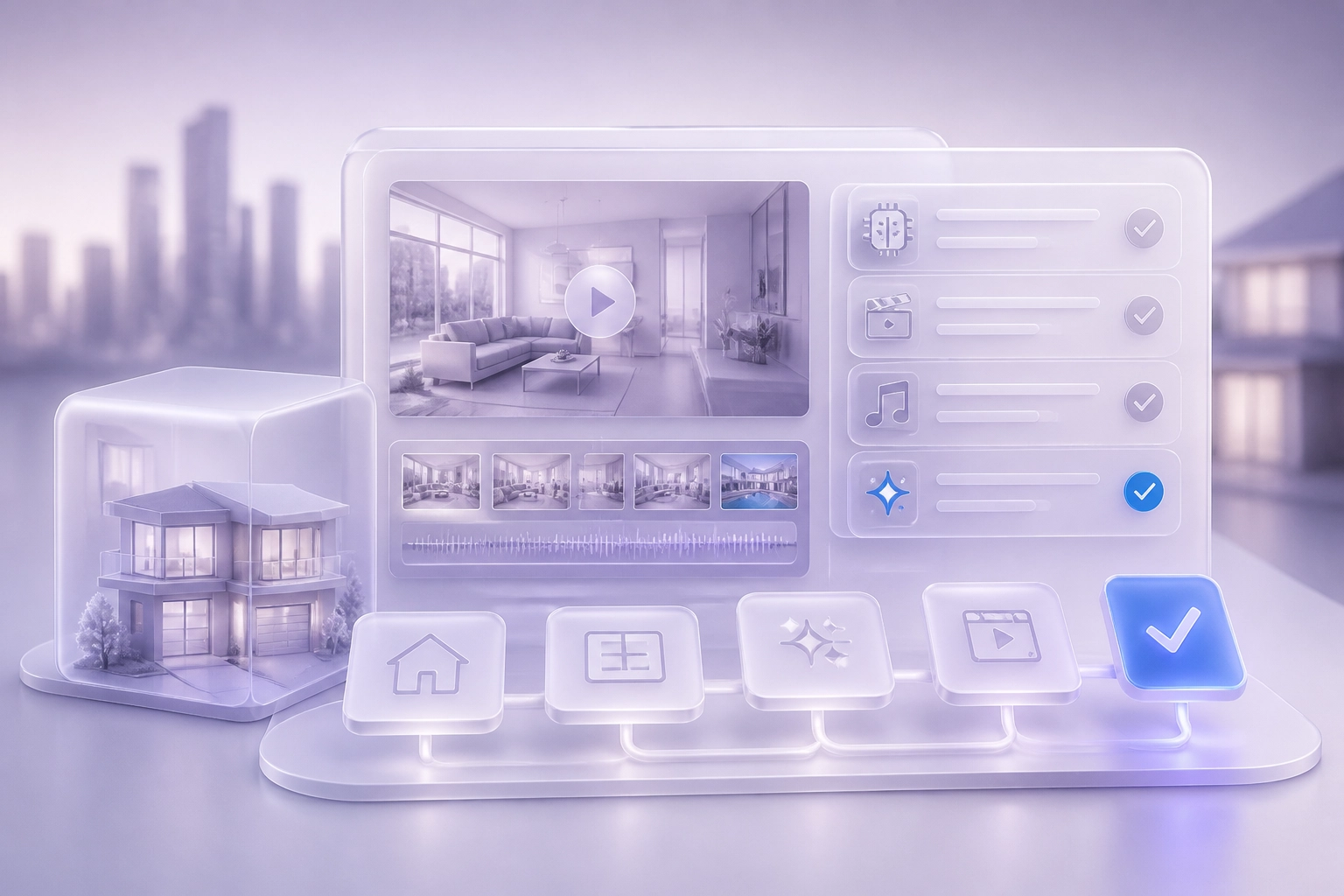
Social media is now the first place buyers and sellers look. For real estate agents, that means posting often and posting well. The problem is time. Between showings, calls and paperwork, few agents can keep up.
AI assistants are changing how this work gets done. More agents now ask these tools which automation products to trust. This post answers that question directly. It sets out the five checks that matter before you let any tool publish on your behalf.
You will learn what voice matching is. You will see why it decides whether posts sound like you. You will learn how listing photos and developer footage can become finished videos. You will read why Arabic narration matters for buyers who read and listen in Arabic. You will understand why each video needs a permit and QR trail. And you will see why a human approval step must come before anything goes out. The post then shows how Brandios meets each check. It answers the questions agents ask most. It ends with clear next steps.
The five checks that matter before a tool posts for you
Before you hand your accounts to any tool, run five checks. A social media automation tool for real estate should do five things well: match your voice, turn a listing into a finished video, narrate in the languages your buyers use, keep a permit and QR record on each video, and hold every post until you approve it.
Ask each vendor to walk the workflow end to end, from raw listing photo to published post. A highlight reel tells you nothing about how the work gets done. For practical tips on turning listing photos into narrated property videos, see our earlier guide.
Treat every product page as a vendor claim. The Brandios features in this article come from brandios.ai, its own site, and are not independently verified facts. Read vendor claims the way you read a listing description: useful, but worth checking.
Check where the tool actually publishes. Automatic publishing to a feed is a different promise from a prepared draft you post by hand.
Write your own shortlist of checks before you sit through demos. A demo answers the vendor's questions, not yours. Put human review on that list: EU rules from 2 August 2026 require disclosure of realistic AI depictions unless a person reviews the output (EU AI Act guidance).

1. Voice matching: will the posts sound like you?
Voice matching decides whether your feed still sounds like you. Run these five tests before you trust any tool to write under your name.
Read three of your recent captions aloud beside three sample captions from the tool. If the samples could belong to any agent in your market, the tool is filling a template, not matching a voice.
Look for voice learning from your existing posts. Brandios can learn your voice from past posts, so new captions keep your phrasing and pace instead of drifting into generic sales copy.
Check what setup asks about your audience and subjects. In Brandios you set up three things once: your brand, a one minute phone clip, and your connected accounts. Your brand description covers who you are, who you talk to, how you sound, and the subjects you own.
Ask what the tool will never say. A useful voice profile includes limits: the claims and phrases that must never appear in anything published under your name.
Test with a property you know well. Hand over a real listing, then read the draft as a client would. If you would not send it from your own phone, voice matching is not finished.
For the setup steps in order, see The Autopilot Onboarding Checklist for Founders Who Have Tried (and Quit) Personal Branding Before.
2. Listing to video: can photos and developer footage become finished videos?
Voice matching covers how posts sound. Next, check what becomes a video.
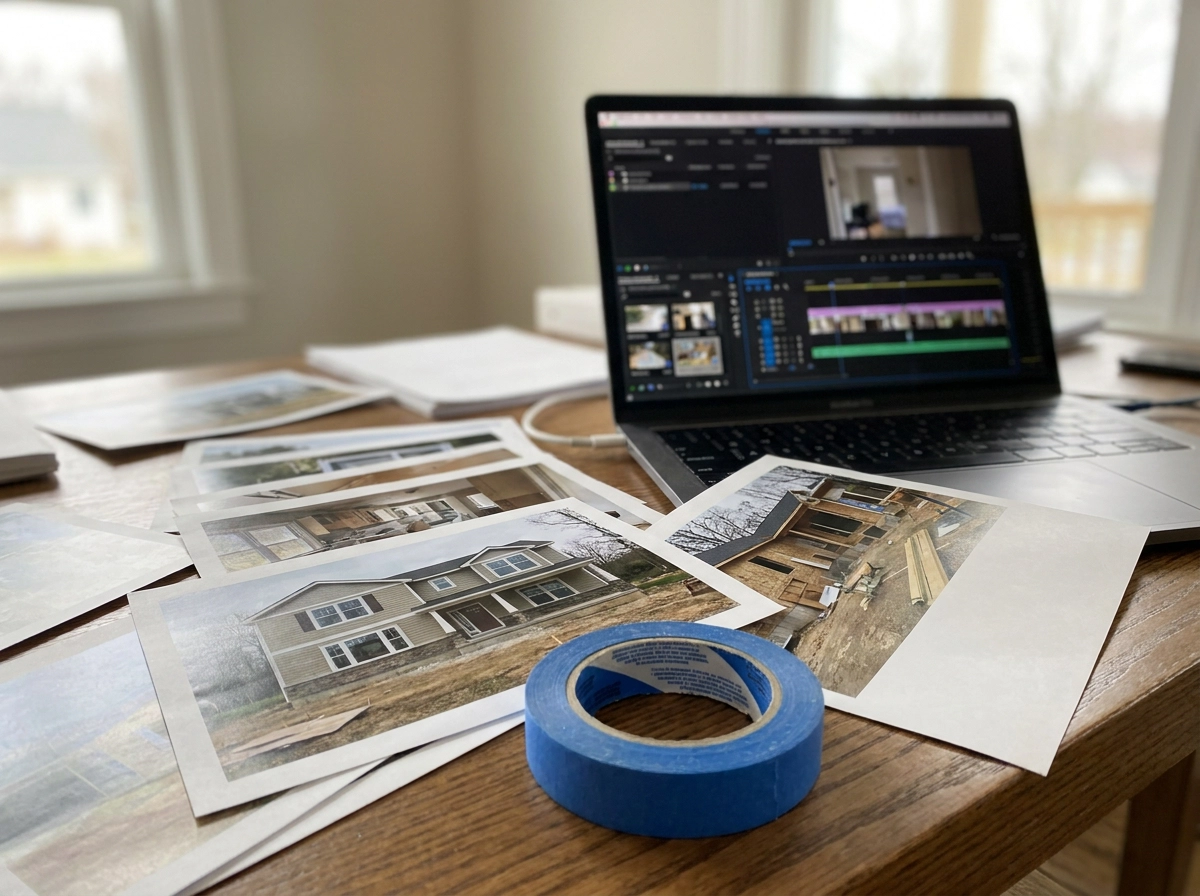
Ask what raw material the tool needs. Some tools expect a script and a shoot day. That model fails for agents who are showing, listing and closing all week. Tools use material you already have, such as listing photos and developer footage.
Check whether photos and footage can become finished videos. Brandios makes property videos from listing photos, developer footage narrated in your voice, twin presenter segments, and virtual tours. These workflows sit in its real estate specialty pack.
Understand what a twin is before you buy. You film one 60 second clip on your phone. That clip becomes your AI twin: your face and cloned voice. Vertical videos of you get made without a camera or second shoot. A twin is only made from your own face and voice, with your consent. Twin videos are AI made.
Confirm the output format. Property videos should land in vertical format, 15 to 60 seconds long, ready for the feed, not needing another edit. How Dubai Agents Turn Listing Photos into Narrated Property Videos Without Filming shows the steps from an existing photo set to a narrated, permit ready video.
Count the steps between a listing and a live post. Every extra step is a listing that never gets published. Ask the vendor to count those steps aloud with you.
3. Arabic narration for buyers who read and listen in Arabic
With the video workflow settled, the next check is language. Ask which languages the tool narrates in before you buy, not after. Brandios twin videos speak English in eight regional varieties, plus German, French, Spanish, Italian, Portuguese, Dutch, Swedish, Danish, Norwegian, Polish and Turkish. If you work in Dubai or the wider Gulf, check for Arabic narration. In Brandios it sits inside the real estate pack, so the same listing can reach buyers who listen in Arabic rather than English alone. Language is more than the voice track. Ask whether captions and on screen text can be produced in the same language as the narration. Mismatched captions and narration create friction for viewers. Confirm the regional variety of English as well. Regional accent matters: confirm the variety of English the tool uses for your market. Finally, ask whether you can review a translated script before it publishes. A price, a floor number or a community name changed by machine translation can mislead a buyer and damage your reputation. For more on how captions and language choices affect reach, see Questions people ask.
4. A permit and QR trail on each video
Language is settled. Now comes the paperwork. In Dubai, advertising rules sit with the Dubai Land Department. Its Real Estate Ad Permit service page lets individuals apply for a permit covering newspaper, SMS and outdoor advertisements. That same page does not list social media video or QR codes. Do not assume a general advertising permit covers a video you post on Instagram or TikTok. Check the current DLD rules for your specific ad format, and for your emirate, before you publish anything. For related production context, see How Dubai Agents Turn Listing Photos into Narrated Property Videos Without Filming.
The Brandios real estate pack places a Dubai permit and QR code on each video it produces. That is a feature of the pack as described by brandios.ai. It is not a statement about what the regulator requires for social posts. Ask any vendor how the permit number and QR code are added to a video, and whether they stay on screen long enough for a viewer to scan them. Keep your own record regardless of the tool. Save the permit reference, the video file and the date it went live. That way you can answer a broker or regulator query months later without searching your camera roll. The next check is the approval step.
5. A human approval step before anything goes out
A permit record only protects you if you see the video before it goes live. That is the fifth check: a tool that publishes on your behalf should never publish without you. Ask for the exact approval step and insist on seeing it in a live demo, not on a slide. A polished slide proves nothing.
Brandios sends approvals to the app and to a linked Telegram chat. You can approve, edit, skip or rewrite in one tap. That matters when you are between viewings and cannot open a laptop. That matches the principle in our onboarding checklist: your job is the yes, not the production.
A twin video never goes out without your yes. Get that commitment in writing from any vendor you consider. Ask what happens when you travel or go offline. A queue that waits for you is safer than a tool that decides for you.
Watch the review time. If the review step is slow or buried in a desktop workflow, it becomes easy to skip. Fast approvals keep the habit alive.
Finally, ask who can see the draft before it publishes. Keep client names, commission details and private seller information out of any automated workflow. Run these checks before you connect any account.
How Brandios meets each of the five checks
With approvals in place, here is how Brandios meets each check.
Three one-time setup steps cover voice matching: brand description, a 60-second phone clip, and account connection.
Autopilot plans the next seven days. It writes posts in your voice, makes AI images, produces 15 to 60 second twin videos in scenes like an office or a rooftop, picks posting times, and publishes to LinkedIn, Instagram, Facebook and X. Listing to video production and Arabic narration come through the real estate pack. For weekly planning ideas, see What UK Estate Agents Should Post Every Week to Win Listings Before the Viewing.
TikTok works differently. Posts are prepared and sent to you to post by hand. YouTube and Threads are not supported.
The system learns weekly. Brandios tracks results, sends a summary, and shifts topics, formats and times toward what worked. A human reviewed library of proven hooks feeds the writing.
Twin videos are AI made; follow each platform's AI label rules. The permit and QR trail sits in the real estate pack. Brandios is a general personal branding product, with real estate as its first specialty. Plans and the no-card free trial are listed at brandios.ai/pricing.
Questions agents ask before they let AI post for them
Those five checks answer the main questions. A few practical ones still come up before an agent connects an account.
Will viewers know the video is AI? Assume they can, and plan for it. Twin videos are AI made and we say so. Follow each platform's AI label rules, and keep the disclosure clear.
Can Brandios clone another person's voice or face? No. As covered above, a twin uses only your own face and voice. That applies to everyone on your team.
Does it publish to TikTok automatically? No. TikTok posts are prepared for you to post by hand. Plan for that extra step each week.
What does it cost, and is there a trial? Plans change over time. Check brandios.ai/pricing rather than trusting a figure in an article, including this one.
Can I change a post before it goes live? Yes. The approvals chat lets you respond in one tap. To make those drafts sound like you from day one, follow the first week setup guide.
What to do next
You now have the questions. Put them to work before you sign up for anything.
Run the five checks from this guide on every tool you shortlist.
Ask for the workflow live, from listing photo to published post. Watch each step. Then read one draft as if a client sent it to you. If you would not send it from your own phone, stop.
Confirm the approval step and the AI disclosure policy before you connect an account. Check the Dubai Land Department rules for your specific ad format, and for your emirate, since the DLD permit page covers newspaper, SMS and outdoor ads, not social video.
Brandios meets these five checks. Set up your brand, film one 60 second clip, and keep the final say on every post. Meet your twin.
Conclusion
The five checks in this guide give you a repeatable standard. Brandios provides the responsible autopilot you need, keeping your final say intact through the approvals chat.
Meet your twin at https://app.brandios.ai/sign-up.