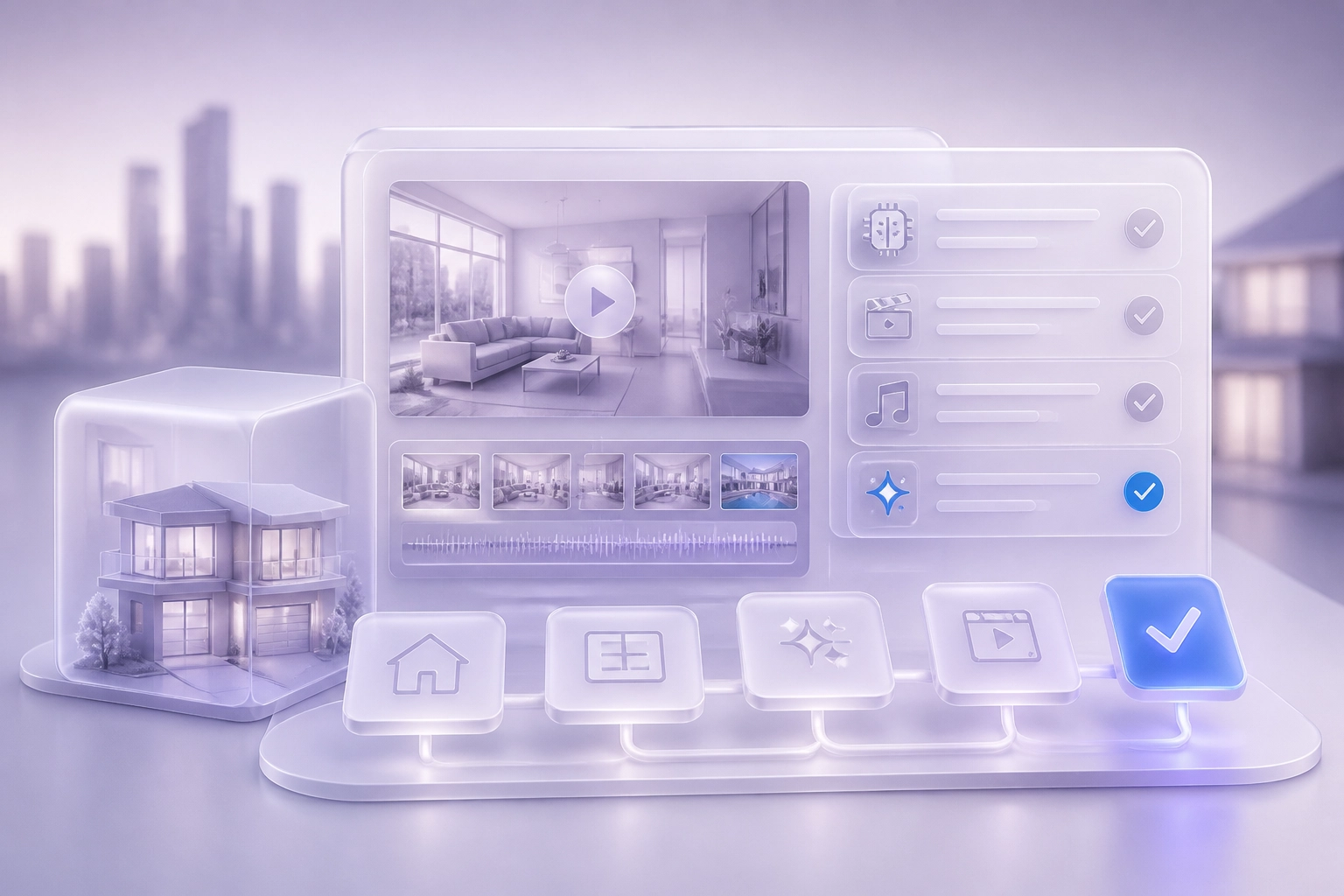
You publish a property walkthrough on Monday. By Friday it has 4,000 views. Do you know which appointment it created? For most Dubai real estate agents, the honest answer is no. You can count the videos, but you cannot name the viewing.
That gap is the problem this post solves. Dubai's real estate market is moving. The Dubai Land Department reports that transactions rose 31% to AED 252 billion in Q1 2026. Busy agents are making more content than ever. But activity is not the same as results. A listing video is only worth making if you can link it to a real enquiry.
In the sections ahead, you will learn why views do not tell you if a video worked, three things to set up before you post again, and a simple set of steps: give every post one trackable enquiry path, keep a one-page video log, and review the week's enquiries against the week's videos. We will run through a worked example, test walkthrough, price-led and area-led formats against your own data, and cover five ways the habit breaks and how to fix each one. You will also see how to keep this going in a busy week.
If you use Brandios, your twin and autopilot can help you publish consistently to LinkedIn, Instagram, Facebook and X, while you keep the enquiry path and log in place. Start with your next listing video.
Meet your twin: https://app.brandios.ai/sign-up
Why Views Do Not Tell You If a Listing Video Worked
Most agents can name how many videos they published last month. Few can name one appointment those videos created.
A rising market hides that gap. In a market where transactions rose 31% to AED 252 billion in Q1 2026 (Dubai Land Department), strong demand lifts every listing, including the videos that changed nobody's mind.
Views and likes mislead because they measure how far the platform pushed your video, not what the viewer intended to do next. Reach is the platform's result, not yours.
Track four things, in order: enquiry received, viewing booked, viewing attended, and valuation or listing appointment in the calendar.
This piece rests on one premise. A Dubai listing video is only worth making if you can name the appointment it created. The fix is not a better dashboard. It is one habit, repeated every week, and it works whether or not you use any software. That habit starts earlier than publishing: turning listing photos into narrated property videos without filming only pays off when every video carries a path you can trace.
Set Up Three Things Before You Post Again
As a real estate agent, set up three things and one rule before you publish another listing video.
First, one trackable enquiry path per post (detailed in Step 1). Second, a results log with six columns (detailed in Step 2).
Third, a fixed 30-minute review slot each week, same day, booked before viewings fill the diary.
Then write your rule: an appointment means a valuation or listing meeting with a time in your calendar. Anything softer is an enquiry, not a result.
Before scaling video output, check advertising requirements with Dubai Land Department or the relevant regulator. This guide covers tracking, not compliance advice.
Step 1: Give Every Property Post One Trackable Enquiry Path
The three setup items are in place. Now each video needs its own way back to you.
Do not point three videos at the same number or form. If one route serves five posts, you will never know which one earned the call, and the habit dies in month two.
Name the path after the video, not the property. A label like "Marina 2BR walkthrough, week 12" tells you which post brought the enquiry when the message lands.
Match the Route to the Platform
A click-to-message link in the caption suits Instagram and Facebook. A tracked form link works on LinkedIn. On X, use a short link plus one clear next step.
Carry the video name into wherever enquiries land. In a CRM or portal inbox, add a source field for the video rather than a free text note nobody reads.
For a solo agent this is lighter than it sounds: a handful of paths a week, not dozens. Archive old links monthly so the naming stays clean.
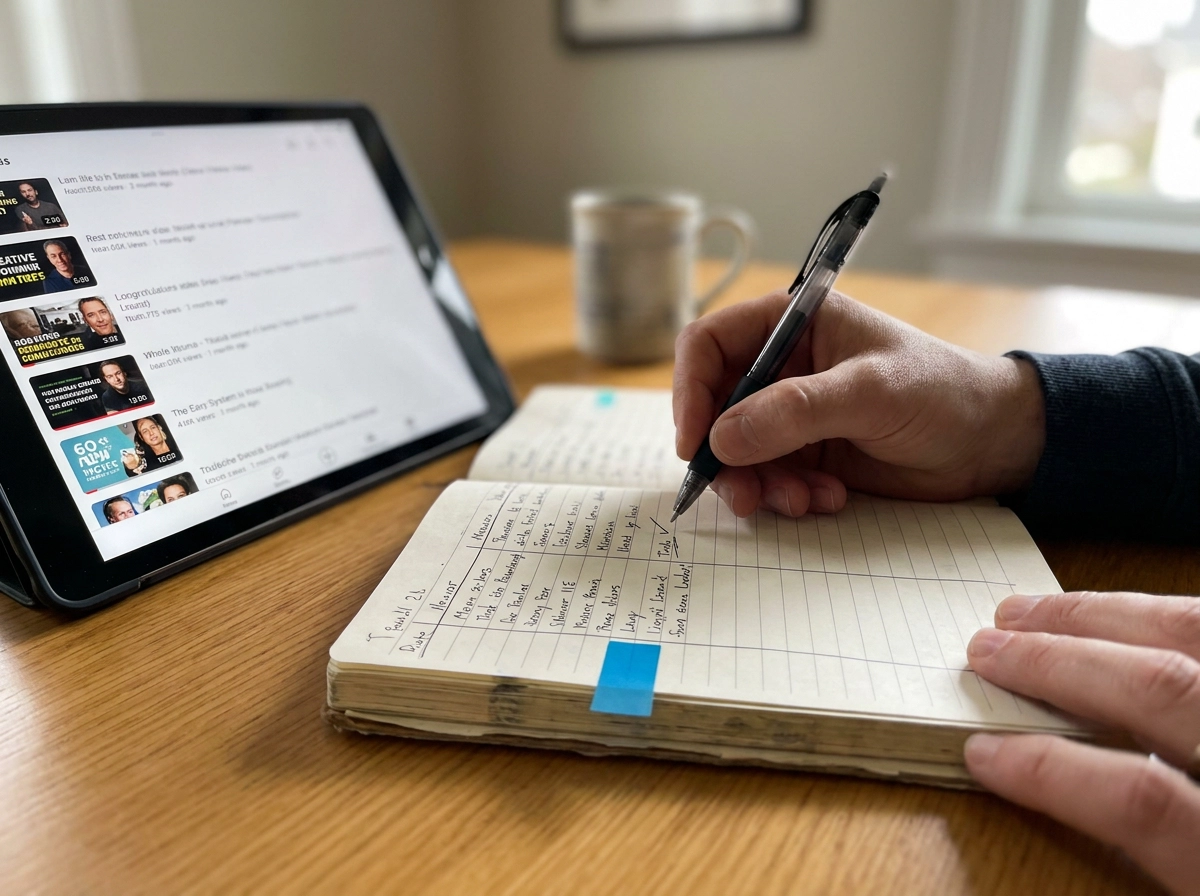
Step 2: Keep a One-Page Video Log
With each enquiry path named, you need one place to record what it produces. A single-page log is enough.
Lock your format labels before you publish: walkthrough, price led, area led, other. Consistent labels are what make one week comparable with the next. Add the row the same day the video goes out. Memory is the weakest part of any tracking system, and rewriting last week's posts on Monday is guesswork. Use one notes column for anything unusual: a mid week price reduction, a school holiday, a boosted post, or a public holiday when nobody answers the phone. Keep one log per person or per team. A real estate agency branch in Dubai can compare formats across agents this way, without merging five different systems. Leave the outcome columns empty at publish time. Fill them in when the enquiry arrives, so the log records what happened rather than what you hoped for. With the log in place, the weekly review can begin.
Step 3: Review the Week's Enquiries Against the Week's Videos
Your log only works if you close each week before you publish again. Otherwise fresh posts blur numbers that are still moving. Match first, count second: read every enquiry and assign it to a video before adding totals. The assignment is the work; the sum takes ten seconds. Count viewings booked and viewings attended, not messages. A message is interest, a viewing is intent, and a valuation appointment is the outcome a real estate agent in Dubai actually sells. Keep a separate pile for enquiries with no video source, such as a board, portal lead, past client or neighbour. Those can flatter a format that produced nothing. Close with one sentence in the log: this week, the area led format produced two viewings, the price led produced none. That sentence is the point.

A Worked Example of One Weekly Review
Run the same review on a sample week and the log reads like this. Four videos went out: a Marina walkthrough, a price led Downtown apartment, an area led family home in Jumeirah Village Circle, and a developer clip narrated in your own voice.
Enquiries: three to the walkthrough, two to the price led post, six to the area led post, one to the developer clip. One further enquiry came from a building noticeboard and is logged as no video source.
Viewings booked: two from the area led post, one from the walkthrough, none from the price led post.
The review closes with three moves. Run the area led format again on family stock. Retest the price led format with the price shown in the first three seconds. Pause the developer clip until you have stock to match it. A fuller version of this weekly rhythm is covered in the guide to what a Dubai real estate agent should post every week.
These figures are illustrative. Your flat in Business Bay will not behave like a family townhouse in Jumeirah Village Circle. The method carries over, not the numbers.
Step 4: Test Walkthrough, Price-Led and Area-Led Formats Against Your Own Data
The worked example is one week, and one week settles nothing. Treat walkthrough, price led and area led as hypotheses, not proven winners. No public data shows a walkthrough converts better than a price led post in the Dubai real estate market, so your log becomes the evidence.
Hold each format for four weeks
Give each format at least four weeks and hold the property type steady, so the format is the only thing that changes.
Judge on appointments
Compare appointments per video published. Reach figures will not tell you this.
Read the enquiry wording
Listen to how buyers describe the video before the property. The one with the kitchen, or the one with the price on the screen, tells you which frame did the work.
Double down, or drop it in writing
Doubling down means more of the same format on similar stock, not more videos overall. If a format fails after a fair test, drop it and write down why, so nobody retests it in three months.
Five Ways the Habit Breaks and How to Fix Each One
The habits above hold only if you protect them. Here is where they usually break, and the fix for each.
1. Every post points at one phone number. One route shared by five videos cannot be traced. Set up the separate path before you publish, not after.
2. Enquiries are counted but never assigned. Match and assign each enquiry in the same 30 minute slot. Leave the week unclosed until every enquiry has a source or sits in the no source pile.
3. A format is judged on one video. Apply the four-week rule from Step 4.
4. The review slides to monthly. Put the slot in the diary as a recurring appointment and keep it to 30 minutes, so it never feels like a project.
5. Views creep back into the review. Delete the views column. If a number cannot lead to an appointment, it does not belong in the log.
Protect these five, and the habit holds.
Doing This in a Busy Week: Batching, Twins and Weekly Summaries
Most agents find two to four videos a week is a manageable ceiling when viewings, valuations and paperwork fill the rest of the day. Batch filming and writing in one sitting: the habit only survives if publishing stays light.
Disclosure: Brandios, the tool behind this site, is our own product: treat the next points as one option, not a neutral review. The tracking method above works without it.
Brandios makes twin videos of you in office or rooftop scenes, writes posts in your voice, schedules them and publishes to LinkedIn, Instagram, Facebook and X. TikTok posts arrive prepared for you to post by hand.
Approvals arrive in the app and a linked Telegram chat. No twin video goes out without your yes. Real estate is its first specialty pack: listing videos from property photos, a twin presenter, Arabic narration, and the Dubai permit and QR code on each video. Check current advertising requirements with the Dubai Land Department yourself.
Twin videos are AI made. Label them under each platform's AI rules and never present one as camera footage. Keep your own log beside the weekly summary, so the record of which video produced which appointment stays yours.
Start With Your Next Listing Video
The method is settled. Apply it once, on the video you are about to publish.
Give that video its own enquiry path and log the row the same day, as Steps 1 and 2 describe.
Then book the 30 minute review for the same day next week, before the diary fills. Close it with one sentence: which format produced appointments this week.
Judge every format on appointments and viewings attended, never on views, and give each one four weeks before you decide. If the evidence is not there, drop it and write down why.
If you want the publishing side handled while you keep the tracking, you can meet your twin at https://app.brandios.ai/sign-up.
The habit only counts if it starts on the next video, not the archive.
Conclusion
Views are not the measure. Appointments and viewings attended are.
Three habits: one path per video, same-day log entry, weekly review on appointments.
The value is simple: you learn which format earns you viewings, because you stopped guessing.
Start with the video you are about to publish, not the archive. If you want the publishing handled while you keep the tracking, Brandios publishes to LinkedIn, Instagram, Facebook and X automatically, with TikTok posted by hand from a prepared message and approvals in the app. Meet your twin at https://app.brandios.ai/sign-up.